In the world of content creation, there is a common saying: “Lighting is more important than your camera.” You can shoot on the most expensive cinema camera, but without proper lighting, your footage will look flat and amateurish. Conversely, a smartphone camera combined with professional lighting can look like a Hollywood production.
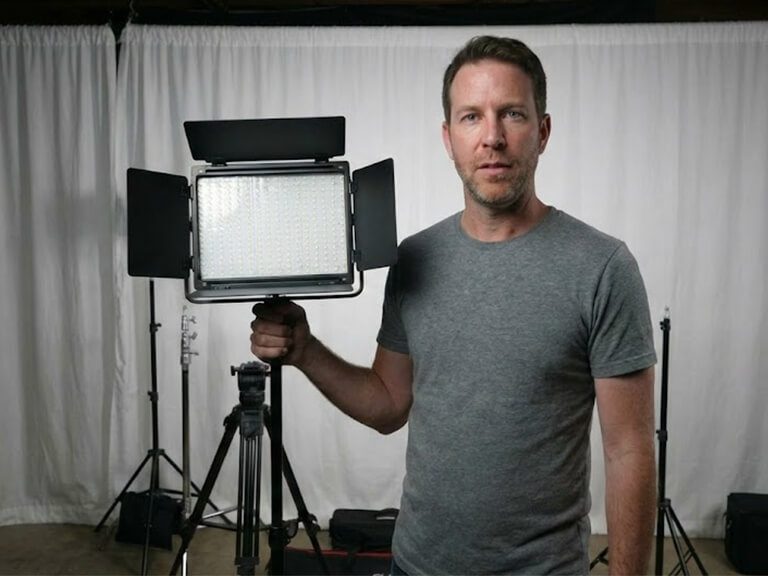
Whether you are setting up a home studio for YouTube or shooting product stills, mastering LED panel photography techniques is the secret sauce to professional visuals.
In this guide, we will walk you through the classic “Three-Point Lighting” setup using the GVM 800D II, a versatile 40W RGB LED kit that is redefining what an LED photography panel can do.
What is Three-Point Lighting?
Three-point lighting is the standard illumination method used in visual media. By using three separate light sources, the photographer or videographer can illuminate the subject, control shadows, and separate the subject from the background.
While traditional hot lights were difficult to manage, modern panel lights for photography and video have made this technique accessible to everyone. The setup consists of:
Key Light: The main light source that highlights the subject.
Fill Light: A softer light that reduces shadows created by the Key Light.
Back Light (Rim Light): A light placed behind the subject to create depth.
Let’s dive into how to build this setup using the GVM 800D II kit.
Step 1: The Key Light – Establishing Your Look
The Key Light is the most critical part of your setup. It provides the primary illumination for your subject.
Placement: Place your first GVM 800D II panel at a 45-degree angle to the subject, slightly above eye level.
Settings: Since the GVM 800D II is a high-power 40W panel, it offers ample brightness. Set the intensity to around 70-80%.
Color Temperature: Use the Bi-color mode to match your environment. If you are in a room with daylight, set it to 5600K. If you want a warmer, cozy vibe, dial it down to 3200K.
Using a high-quality photography light panel like the 800D II ensures that skin tones are rendered accurately (High CRI), which is essential for both portraits and talking-head videos.
Step 2: The Fill Light – Softening the Shadows
If you only use a Key Light, the other side of your face will be cast in deep shadow. This creates a dramatic “film noir” look, which might be too harsh for YouTube tutorials or standard LED light panel photography.
To fix this, introduce your second GVM 800D II as a Fill Light.
Placement: Place this panel on the opposite side of the camera from the Key Light.
Settings: The Fill Light should always be dimmer than the Key Light. Try setting the brightness to 30-50%.
Pro Tip: Because the GVM 800D II features GVM’s patented LED technology, the light is naturally soft. However, you can further diffuse it to create a flattering look that smooths out skin textures.
Step 3: The Back Light – Adding Depth with RGB
This is where the GVM 800D II truly shines as the best LED light panel for video creators. The goal of the Back Light is to separate you from the background, preventing you from looking like a 2D cutout.
Instead of just using white light, why not get creative?
Placement: Position the third light behind the subject, aiming at the back of their head or shoulders.
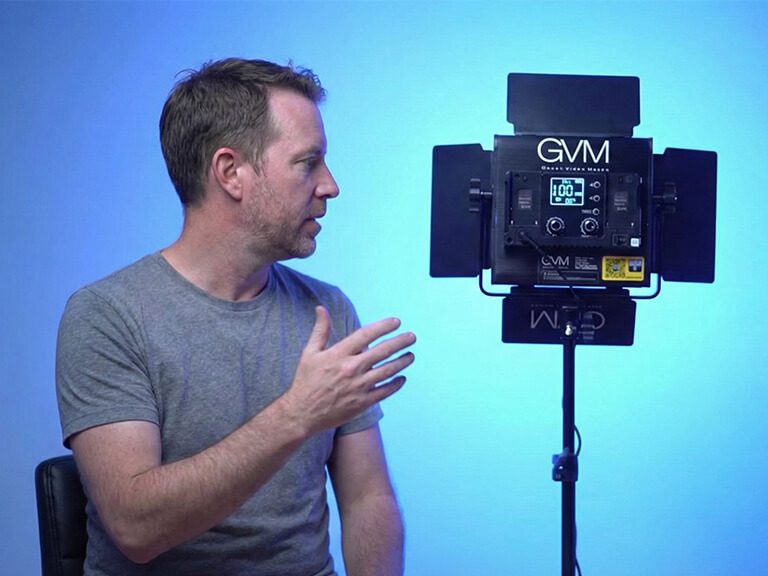
RGB Magic: Switch the GVM 800D II to HSI Mode. This allows you to access the full 360° RGB spectrum. Try setting the hue to a cool Teal or a vibrant Magenta.
Result: This creates a cinematic color contrast (e.g., warm skin tones vs. cool rim light) that instantly elevates production value.
Why GVM 800D II is the Ultimate LED Photography Panel
Choosing the right gear can be overwhelming, but the GVM 800D II stands out as a hybrid solution for creators who do both photo and video. Here is why it is the ideal choice for LED panel photography enthusiasts:
1. Unlimited Color for Any Production
With a CCT range of 3200K-5600K and full RGB capabilities, you aren’t just buying a light; you are buying a creative tool. You can match ambient light perfectly or create wild, colorful effects without needing colored gels.
2. Precise Control with Barndoors
Cheap softboxes often spill light everywhere. The GVM 800D II comes equipped with four-way barndoors. This allows you to shape the light beam, focusing it exactly where you want it and keeping it off the background. This level of control is usually found in much more expensive panel lights for photography.
3. Smart App Control
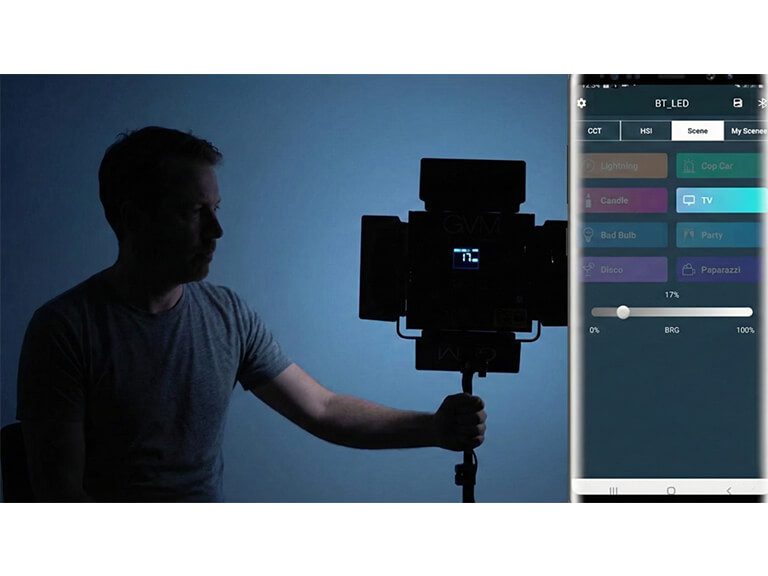
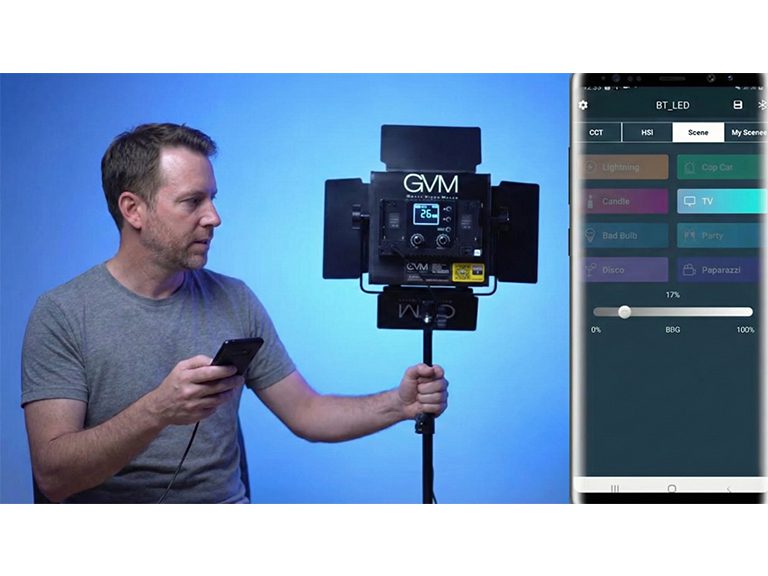
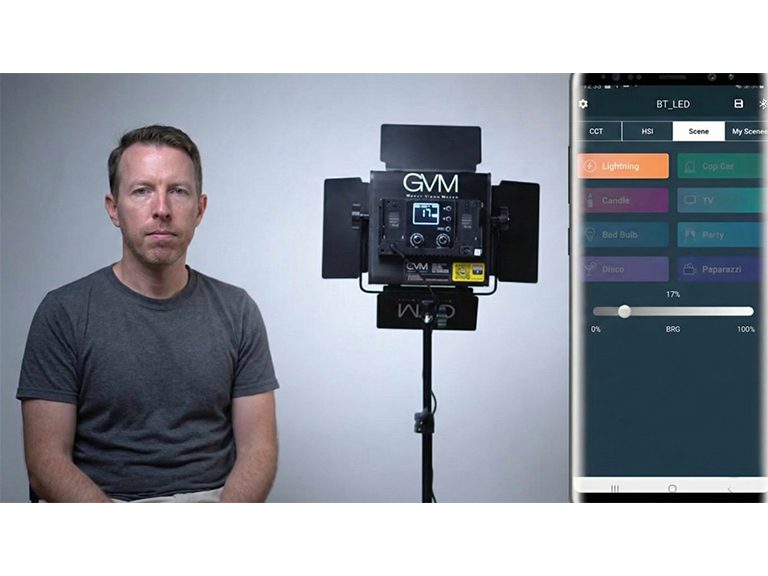
For solo creators, adjusting lights can be a pain. The GVM 800D II features intelligent mobile app control. You can sit in your chair and adjust the brightness, saturation, and hue of all three lights directly from your phone. This streamlines the workflow for LED light panel photography and video shoots significantly.
Conclusion
Whether you are shooting a YouTube vlog, a livestream, or professional product portraits, the principles of lighting remain the same. By utilizing a three-point setup with the GVM 800D II, you ensure consistent, professional, and color-accurate illumination.
Ready to transform your studio? The GVM 800D II is more than just a light; it’s your partner in creative production.