If you’re building a YouTube studio, studio lighting is the one investment that changes everything. Cameras and lenses matter, but bad light makes even the best camera look amateur. Good light makes a phone camera look professional.
The problem is that most creators don’t know which light to buy. Panels are too soft. Cheap LEDs are too dim. And professional fixtures often cost more than the camera itself.
GVM makes three lights that solve this problem at different levels: the SD300C AIO, the SD500C AIO, and the PRO-SD650C. All three are COB light fixtures with high color accuracy, full RGBWW color control, and app-based operation. The difference is power, size, and how far you want to grow.
This guide breaks down each one so you can pick the right continuous light for photography and video without overbuying or outgrowing it in six months.
Table des matières
Why GVM for YouTube Studio Lighting?
Before we get into the three lights, here’s why GVM makes sense for YouTube creators:
- High CRI/TLCI (97+) – skin tones look natural, not green or orange.
- Full RGBWW color control – you’re not stuck with just warm and cool white.
- App control with Mesh networking – adjust multiple lights from your phone.
- Monture Bowens – compatible with a huge range of softboxes and modifiers.
- DMX support via optional data boxes – when your studio grows, your lights grow with it.
Whether you’re shooting talking-head videos, product reviews, or live streams, these three lights cover the full range of lighting for YouTube videos.
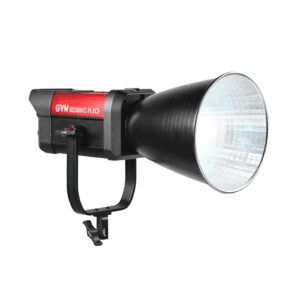
1. GVM SD300C AIO: Best for Small Studios and Solo Creators
Le SD300C AIO is the compact option. It’s a 300W COB light with a 2000K–10,000K color range and 97+ CRI. At just 3.25 kg, it’s light enough to mount on a single stand without worrying about stability.
What makes it great for YouTube:
- 300W output – plenty for a one-person setup, close-up product shots, or a small interview corner.
- Full RGBWW color engine – CCT, HSI, RGB, GEL, and Source Matching modes.
- All-in-one design – no external ballast, no extra cables, fast setup.
- Bluetooth Mesh app control – group multiple lights from your phone.
- DMX ready – add a GVM data box later for professional console control.
Who it’s for: Solo YouTubers, beginners building their first studio, or anyone with limited space who still wants professional color.
Pourquoi cela fonctionne-t-il ? The SD300C AIO gives you the same color engine as the bigger lights in a package that fits on a desk or a small stand. It’s the easiest entry point into a configuration d'éclairage de studio professionnel.
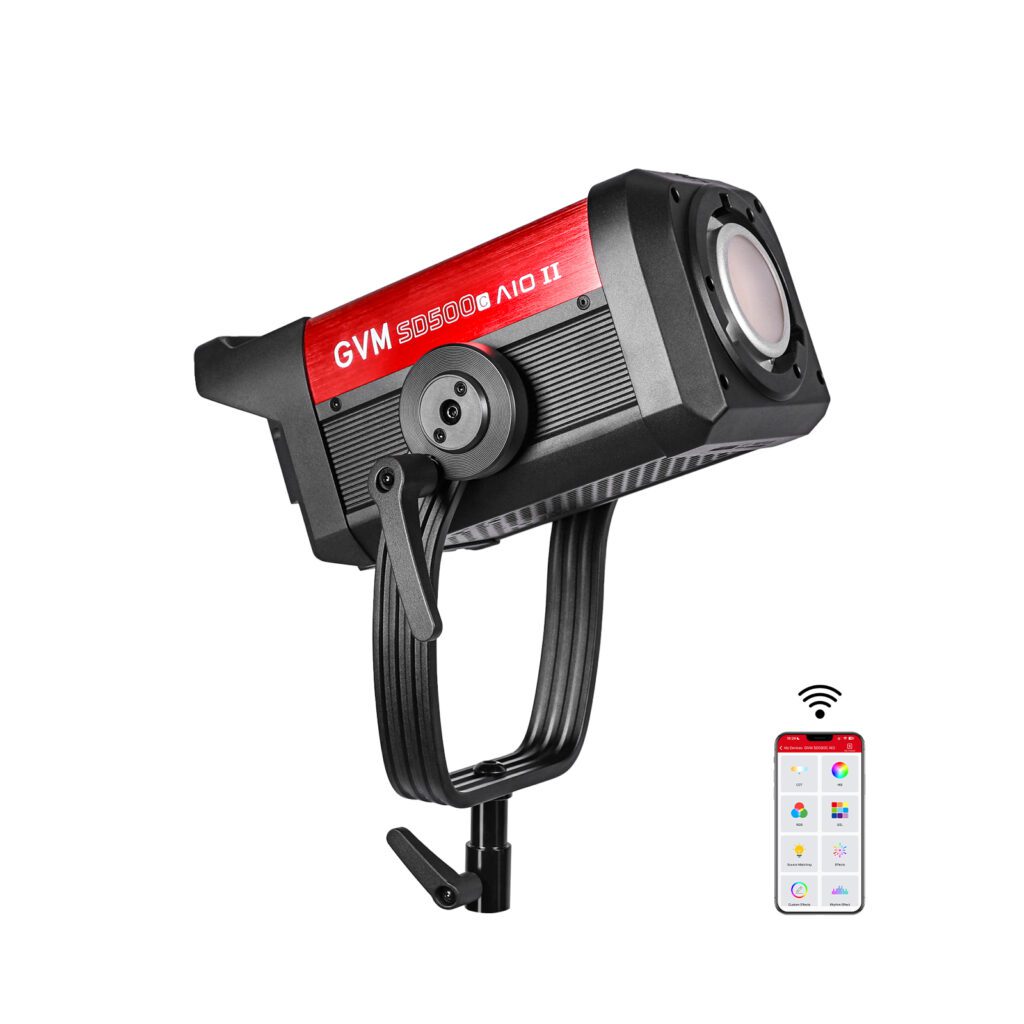
2. GVM SD500C AIO: Best for Growing YouTube Studios
Le SD500C AIO is the middle child – and for many creators, it’s the sweet spot.
It delivers 500W of output with the same 2000K–10,000K range and 97+ CRI. At 8 kg, it’s heavier than the SD300C, but still manageable for a permanent studio setup or a two-person crew.
What makes it great for YouTube:
- 500W output – more headroom for larger sets, brighter rooms, or shooting at higher frame rates.
- Full RGBWW color control – same six modes as the SD300C, plus more power.
- App + Mesh networking – control multiple lights from one phone.
- DMX, CRMX, and Art-Net support – via optional GVM data boxes.
- Silent fan mode – for audio-sensitive shoots.
Who it’s for: YouTubers who have outgrown a small light, or studio owners who need one reliable key light that can also serve as a fill or background light.
Pourquoi cela fonctionne-t-il ? The SD500C AIO gives you more output without jumping to a heavy, expensive professional fixture. It’s a continuous light for photography and video that stays useful as your channel grows.
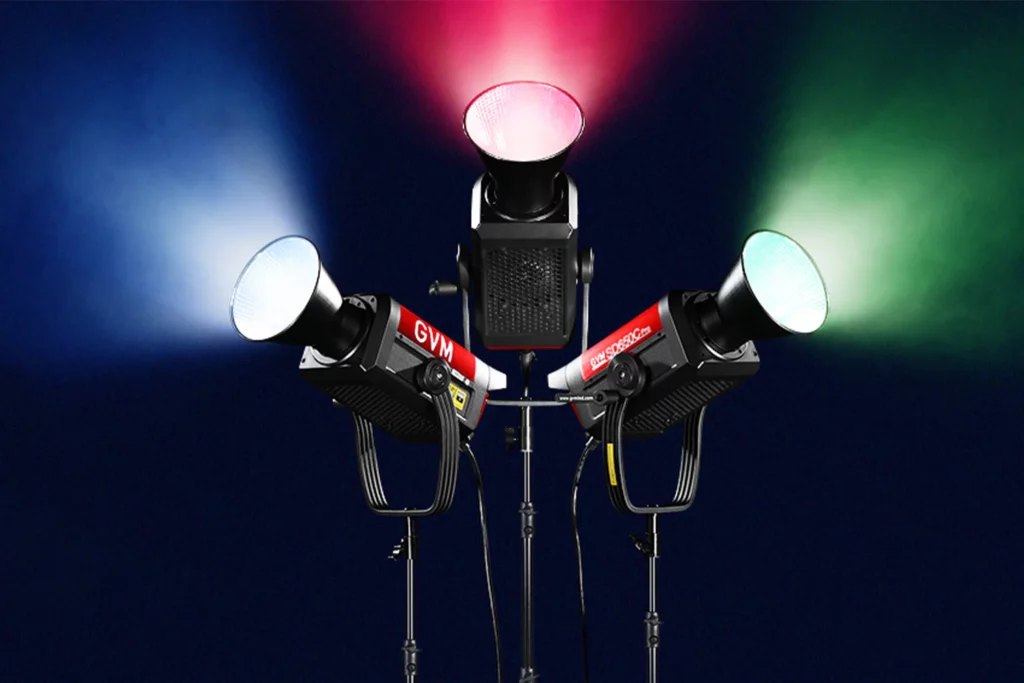
3. GVM PRO-SD650C: Best for Professional YouTube Studios
Le PRO-SD650C is the professional option. It’s a 650W RGBWW COB light avec 95,530 lux at 1 meter (with reflector) and 97+ CRI/TLCI.
Unlike the AIO series, the SD650C uses a separate controller box with two V-mount battery plates. That means you can run it on battery power for location shoots – something the AIO lights can’t do.
What makes it great for YouTube:
- 650W output – enough for large studio spaces, bright rooms, and commercial-level production.
- Full RGBWW color engine – CCT, HSI, RGB, GEL, and Source Matching modes.
- DMX-512 with 8-bit and 16-bit precision – works with professional lighting consoles.
- Support de batterie en V – for outdoor shoots and locations without wall power.
- Independent controller – keeps the light head lighter and easier to position.
- Monture Bowens – compatible with softboxes, fresnels, and other modifiers.
Who it’s for: Professional YouTubers, commercial content creators, and studio owners who need maximum output, battery flexibility, and DMX control.
Pourquoi cela fonctionne-t-il ? The SD650C is the light you buy when you want your YouTube studio to look like a professional production set. It’s one of the best lights for filmmaking and high-end content creation.
Quick Comparison
| Fonctionnalité | SD300C AIO | SD500C AIO | PRO-SD650C |
| Puissance | 300W | 500W | 650W |
| Luminosité | 13,300 lux @1m | 18,400 lux @1m | 95,530 lux @1m (with reflector) |
| Plage de couleurs | 2000K–10,000K + RGB | 2000K–10,000K + RGB | 2000K–10,000K + RGB |
| CRI/TLCI | 97+ | 97+ | 97+ |
| Poids | 3.25 kg | 8 kg | 8 kg + 2.6 kg controller |
| Contrôle | Onboard, APP, DMX (optional) | Onboard, APP, DMX (optional) | Onboard, APP, DMX, CRMX, Art-Net |
| Batterie | Non | Non | Yes (V-mount, optional) |
| Meilleur pour | Solo creators, small studios | Growing studios | Professional studios |
Which One Should You Buy?
- If you’re just starting out and shooting in a small space → SD300C AIO. It’s compact, powerful enough for most YouTube setups, and gives you full color control.
- If you have a dedicated studio and want more output for larger sets → SD500C AIO. It’s the best balance of power and price for most creators.
- If you’re a professional and need battery power, DMX, and maximum output → PRO-SD650C. It’s built for commercial work and high-end production.
All three are studio lights that deliver accurate color, flexible control, and room to grow. The right one depends on your space, your workflow, and how serious you are about your YouTube studio.
Questions fréquemment posées
Do I need DMX for a YouTube studio?
Not necessarily. For most solo creators, onboard and app control are enough. DMX becomes useful when you have multiple lights and want to control them from a single console.
Can I use these lights for photography too?
Yes. All three are continuous light for photography as well as video. The high CRI and consistent output make them suitable for product photography, portraits, and still life.
What’s the difference between the AIO series and the PRO series?
AIO lights are all-in-one – the controller is built into the light head. The PRO-SD650C has a separate controller with V-mount battery plates and more advanced control options.
Which light is best for a small home studio?
Le SD300C AIO. It’s small, light, and powerful enough for a typical YouTube setup.
Can I mix these lights in the same studio?
Yes. All GVM lights support Bluetooth Mesh networking, so you can control multiple lights from the same app.
Verdict final
Building a YouTube studio doesn’t have to mean guessing which light to buy. The SD300C AIO, SD500C AIO, et PRO-SD650C cover the full range from first setup to professional production.
Start with the SD300C if you’re building your first studio. Move up to the SD500C when you need more power. And if you’re ready for battery power, DMX, and serious output, the PRO-SD650C is the one.
No matter which you choose, you’re getting a configuration d'éclairage de studio professionnel foundation that will make your videos look better from day one.