You’ve seen the shots: smooth product reveals, subtle interview drifts, cinematic landscape pans. Then you try to shoot your own with a manual camera slider — and you quickly realize why professionals use motorized ones.
The price difference between a manual slider and a motorized GVM slider can be significant. But where does that extra money actually go? And is it worth it for you?
This guide breaks down the real differences between manual and motorized operation — using GVM’s SLIDER-80 Wireless and GT-80WD as examples — so you can decide which one fits your workflow and budget.
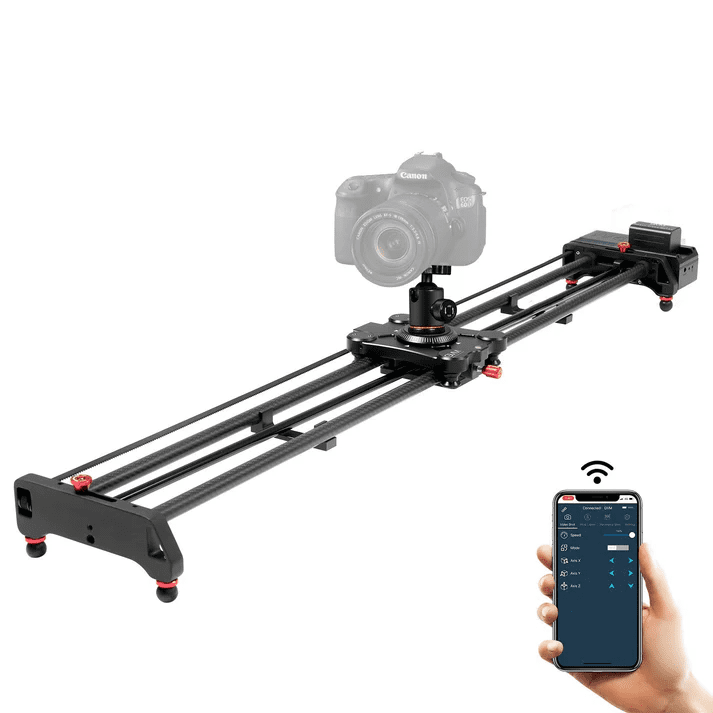
What Does “Manual” Actually Mean on a Motorized Slider?
Here’s something many beginners don’t realize: GVM doesn’t make pure manual sliders. Every slider in GVM’s current lineup is motorized. However, many models include a manual mode that lets you control the slider without relying on the motor.
For example, the GVM WS-2D-80 lets you switch the motor off and move the slider by hand. You can control it via the app, via the control panel, or manually — you can easily switch between manual and electric mode at will.
Il SLIDER-80 Wireless e GT-80WD work differently. Their “manual mode” means you control the slider through the app with direct back-and-forth control, rather than programming preset A/B points.
Two Ways to Control a Motorized Slider
Manual Mode (App-Controlled, Direct Operation)
In manual mode, you’re still using the motor — but you’re controlling it directly rather than programming automated moves. Here’s what that looks like in practice:
- SLIDER-80 Wireless / GT-80WD: Open the app or use the Bluetooth remote. Tap a button to move the slider forward, tap another to move it backward. Speed is adjustable from 1% to 100%.
- WS-2D-80: You can physically push the slider by hand with the motor disengaged, or use the app for direct control.
What this feels like: You have full control over when the slider starts, stops, and how fast it moves — but you’re the one making those decisions in real time. It’s responsive and immediate.
Il meglio per: Quick setups where you don’t need to repeat the exact same move. Product shots, B-roll, or any situation where you’re adjusting on the fly.
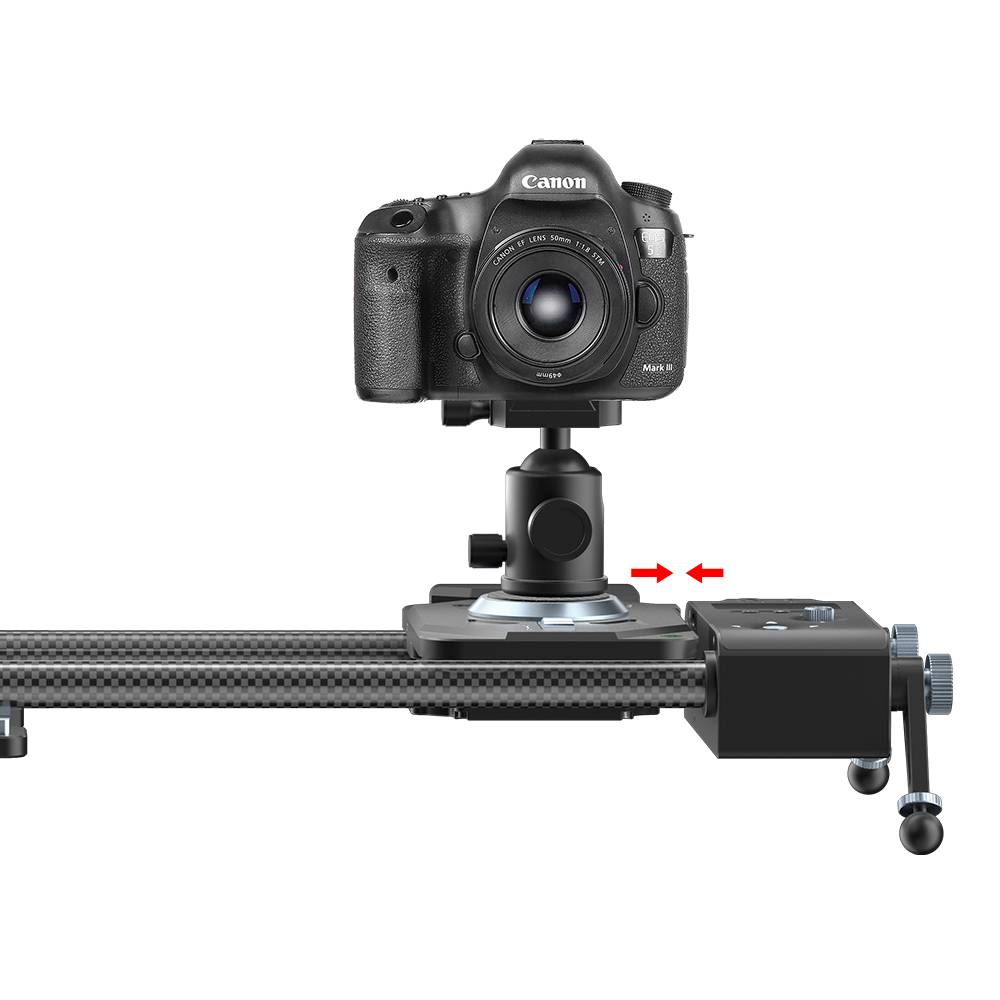
Auto Mode (Programmed, Repeatable)
Auto mode is where motorized sliders truly separate themselves from manual operation. You set A and B points (start and end positions), and the slider moves between them automatically — at a speed you choose, for as many repeats as you need.
Il SLIDER-80 Wireless supports this through its app, with keyframe programming and round-trip motion. The GT-80WD takes it further: you can program multiple keyframed positions (A, B, C, D) and the slider moves through each one sequentially.
What this feels like: Set it and forget it. The slider does exactly the same move, at exactly the same speed, every single time. Perfect for shots that need to be repeated — or for time-lapse sequences that run for hours.
Il meglio per: Time-lapse photography, interviews with slow camera drifts, product photography where you need identical moves across multiple takes, and any situation where you can’t be next to the slider while it’s running.

The Real Differences: Where Your Money Goes
1. Speed Consistency
Manual: You push the slider by hand. Even with practice, your speed will vary — faster at the start, slower at the end, subtle hesitations in between. These micro-variations show up in your footage.
Motorized (Auto Mode): The motor maintains the exact same speed from start to finish. The SLIDER-80 Wireless can traverse its full range in as fast as 17 seconds or as slow as 184 seconds (over 3 minutes) — all with perfect consistency.
The difference: Repeatability. If you need the same move twice, a motorized slider delivers it. A manual slider never quite gives you the same take twice.
2. Time-Lapse Photography
Manual: Almost impossible to do well. Time-lapse requires the camera to move tiny, precise increments over long periods — often hours. You can’t stand there pushing a slider for four hours.
Motorized: Built-in time-lapse mode. Set the interval, number of photos, and total travel distance. The GT-80WD’s time-lapse speed ranges from 114 seconds to 22 minutes and 30 seconds per full travel. The SLIDER-80 Wireless supports 24-hour offline shooting — once you program it, you can disconnect your phone and the slider runs on its own.
The difference: Motorized sliders make time-lapse possible. Manual sliders make it practically impossible.
3. Precision and Repeatability
Manual: You can’t guarantee the exact same starting and ending position. Each take is slightly different. If you need to reshoot a shot, you’re guessing where to start and stop.
Motorized: Set A and B points precisely. The GT-80WD’s remote lets you save multiple keyframes (A, B, C, D) — the slider moves through each one exactly as programmed. The WS-2D-80 even includes an anti-collision system that prevents the slider from hitting the end of the track.
The difference: Motorized sliders give you control down to the millimeter. Manual sliders give you “close enough.”
4. Who Can Operate It
Manual: One person — you. You have to be right next to the slider, pushing it while also watching the camera and framing the shot. It’s a lot to manage.
Motorized: One person — but you can be anywhere. The SLIDER-80 Wireless and GT-80WD both support Bluetooth app control up to about 30-50 feet. You can stand behind the camera, frame the shot, and start the slider with a tap on your phone. Or program it and walk away entirely.
The difference: Motorized sliders let you work solo without being tied to the slider itself. Manual sliders keep you tethered to the track.
5. Learning Curve
Manual: Low. Push it, and it moves. You’ll get decent results quickly, but mastering consistent speed takes practice.
Motorized: Moderate. You need to learn the app or remote interface, understand A/B point programming, and figure out time-lapse settings. But once you do, the results are more professional.
The difference: Manual is easier to start. Motorized gives you more room to grow.
Quick Comparison Table
| Aspetto | Manual (Hand-Pushed) | Motorized (Auto Mode) |
|---|---|---|
| Speed consistency | Varies by hand | Exact every time |
| Time-lapse | Almost impossible | Built-in, programmable |
| Repeatability | Guesswork | Precise A/B points |
| Operation | Must be next to slider | Remote control, up to 50 ft |
| Learning curve | Basso | Moderato |
| Cost | Lower (manual mode included) | Higher (motor + electronics) |
| Il migliore per | Quick, one-off shots | Professional video, time-lapse, repeatable moves |
Which One Should You Choose?
Choose manual mode (and save the money) if:
- You only shoot occasionally and don’t need repeatable moves
- You never shoot time-lapse
- You’re always near the slider and comfortable pushing it by hand
- Budget is your primary concern
Choose motorized (auto mode) if:
- You shoot video regularly and want consistent, professional results
- You need time-lapse capability
- You work solo and want to control the slider from the camera position
- You need identical moves repeated across multiple takes
- You’re serious about video production and want room to grow
Il SLIDER-80 Wireless offers app-based manual and auto modes with 11 lb payload and 31″ travel. The GT-80WD adds a physical Bluetooth remote with LCD display, making it easier for creators who prefer buttons over phone apps. Both are excellent entry points into motorized slider shooting.
If you’re still unsure, start with a motorized slider and use its manual mode first. You’ll get comfortable with the hardware, then grow into auto mode and time-lapse as your skills develop. You can’t grow into features that aren’t there — but with a motorized slider, you have room to learn.