RGB video lights have quickly become the go-to tool for creators who want professional-looking footage without renting out a full studio. LED panel lighting in particular has earned favor with photographers and videographers because it solves three problems at once: consistent color temperature, precise brightness control, and a form factor that’s easy to move between a home studio, a client shoot, or an outdoor location.
For anyone building or upgrading a lighting kit this year, understanding how RGB video lights actually work — and which model delivers real value — makes the difference between flat, amateur footage and polished, cinematic content.
Índice
Studio Lighting Setup for Beginners
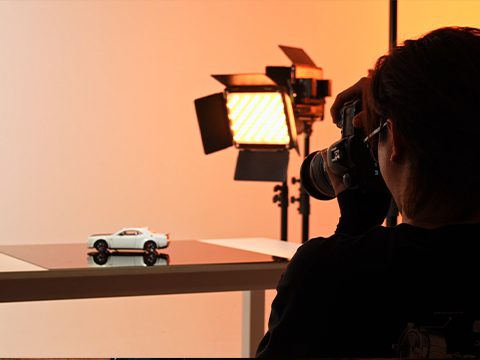
Most new YouTubers focus heavily on camera gear and audio, then treat lighting as an afterthought — until their footage looks dim, yellow, or inconsistent from one video to the next. A basic studio lighting setup typically uses three positions: a key light angled slightly off-center from the subject, a fill light to soften shadows on the opposite side, and an optional backlight to separate the subject from the background.
The confusing part for beginners is usually the specs: lux, CRI, TLCI, Kelvin, HSI. In simple terms, lux measures brightness at a given distance, CRI and TLCI measure how accurately a light renders true color, Kelvin measures color temperature (warm vs. cool), and HSI lets a light produce any color on the spectrum by adjusting hue and saturation independently of brightness. A creator doesn’t need to memorize the physics — just know that higher CRI/TLCI means more natural skin tones, and adjustable Kelvin means less time correcting footage in post.
RGB Video Lights vs. Bi-Color
RGB and bi-color lights solve different problems, and many creators end up needing both.
Bi-color lights adjust along a single axis — typically 3200K (warm/tungsten) to 5600K (cool/daylight) — making them ideal for matching a scene’s natural or ambient light. They’re the workhorse choice for interviews, product shoots, and talking-head content where accurate, neutral color matters most.
RGB lights go further, offering full 360° hue control and adjustable saturation on top of standard bi-color functionality. This means a single fixture can act as a daylight-balanced key light one moment and a deep blue or magenta background accent the next. For creators who shoot both straightforward video content and stylized, colorful scenes, a hybrid bi-color/RGB panel eliminates the need to own two separate lighting systems.
Studio Lighting for Photography: What to Look For
Good studio lighting for photography needs to check a specific set of boxes, regardless of brand:
- High CRI/TLCI (95+) for accurate skin tones and color reproduction
- Wide, stepless brightness control so exposure can be fine-tuned without flicker
- Bi-color range to match daylight, tungsten, or mixed lighting conditions
- Compact, lightweight build for photographers who shoot on location as often as in-studio
- App or remote control to adjust settings without walking back and forth to the fixture
Panels that combine all of these in one unit tend to replace two or three older single-purpose lights, which is a major reason panel-style LEDs have become the default recommendation for photographers building a modern kit.
Best RGB Video Lights: GVM 800D III
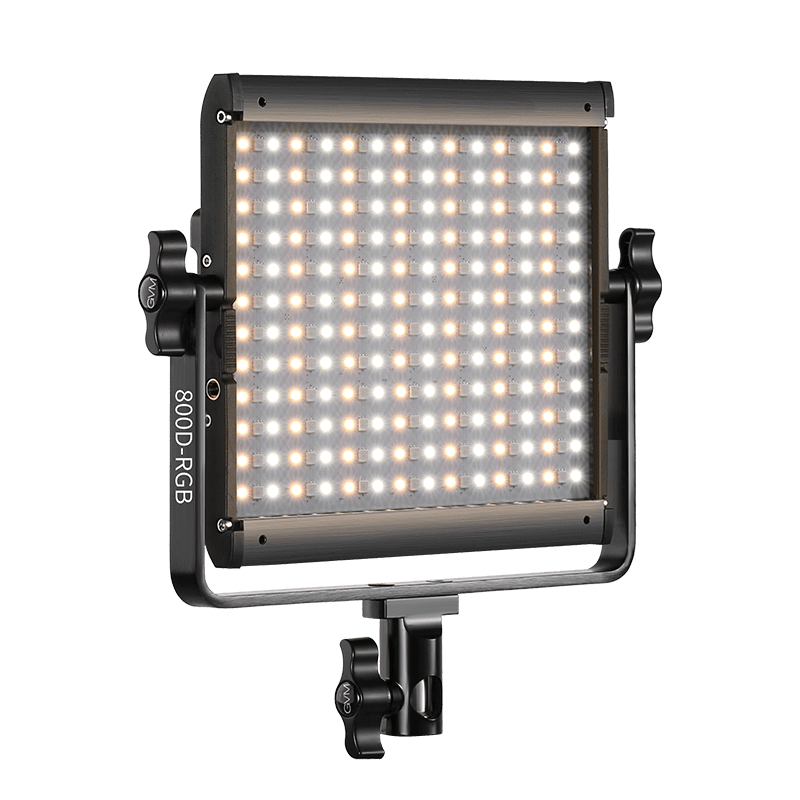
A GVM 800D III is a 40W dual-function LED panel that combines bi-color and full RGB output in a single compact fixture. At 10.6 × 10.3 × 1.5 inches, it’s built to sit comfortably in a photography bag while still delivering studio-grade output.
| Recurso | Specification / Benefit |
|---|---|
| Poder | 40W dual-function LED panel |
| Precisão de Cor | CRI 97+ / TLCI 97+ for true-to-life color |
| Temperatura de Cor | 3200K–5600K bi-color, stepless adjustment |
| RGB Control | 360° HSI hue control, 0–100% saturation |
| Brightness | Up to 2930 lux (measured at 3200K, 1m) |
| Efeitos de Iluminação | 20 built-in creative scene effects |
| Controle | LCD display, rotary dial, and app control |
| Sync | Master-slave sync across multiple units |
| Opções de Energia | DC adapter (15V, 3A) or NPF battery |
| Dimensões | 10.6 × 10.3 × 1.5 in |
The jump in output is one of the 800D III’s standout upgrades. Earlier-generation 40W RGB panels in this category commonly measured around 600–650 lux at 3200K and 1 meter — the 800D III measures roughly 2900–3130 lux under the same conditions, close to a 5x brightness increase without any change in power draw. Combined with 97+ CRI/TLCI accuracy and dual DC/battery power, it’s built to function equally well as a stationary studio key light or a battery-powered on-location fixture.
Why So Many Creators Choose Panel Lights for Photography
Panel-style lights have overtaken bulkier monolight and umbrella setups for a few practical reasons. They’re flat and stackable, making them far easier to transport in a standard camera bag. They mount on standard light stands or even small desktop tripods, so they work in cramped home studios as well as larger sets. And because a single panel now covers bi-color, RGB, and multiple effect modes, photographers can retire three or four older single-function lights in favor of one panel that does it all — a direct cost and space savings that compounds over a growing kit.
Como usar luzes RGB para vídeo
Using an RGB panel effectively comes down to matching the light’s mode to the shot:
- Set bi-color mode and match Kelvin to the room’s ambient light for standard interviews or talking-head content.
- Switch to HSI mode when adding colored background accents, mood lighting, or stylized b-roll.
- Use built-in scene effects (fire, lightning, police lights, etc.) sparingly for specific creative moments rather than as a primary light source.
- Adjust brightness in small increments while monitoring exposure on a waveform or histogram, rather than eyeballing it on a phone screen.
Case Study: Setting Up an Interview with the GVM 800D III
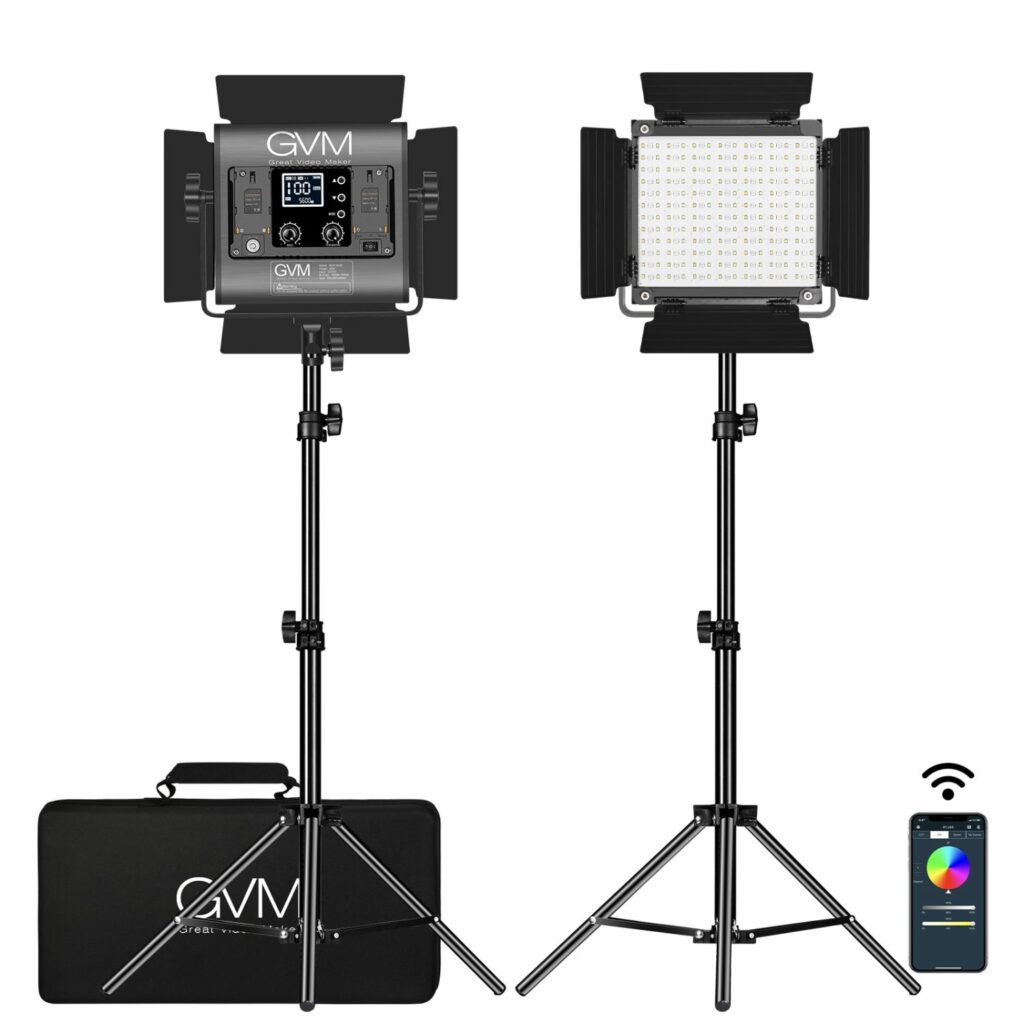
Consider a freelance videographer booked for an on-site interview in a small conference room with no existing studio lighting. Because the 800D III runs on either a DC adapter or an NPF battery, the light is powered up in under two minutes without hunting for a wall outlet near the subject. Its slim 1.5-inch profile fits into the same bag as a camera body and lens, so it doesn’t require a separate case.
For the interview, the light is set to bi-color mode at 4300K to match the room’s mixed fluorescent-daylight lighting, with brightness at roughly 60% to avoid overexposing the subject at close range. A second 800D III, synced via master-slave control from the app, acts as a soft fill from the opposite angle — both lights adjusted from a single phone screen without touching either fixture. The entire two-light setup, from unpacking to first take, takes under ten minutes, which is the kind of turnaround that matters when a shoot only has a 30-minute room booking.

Perguntas frequentes
What’s the difference between RGB and bi-color video lights?
Bi-color lights adjust only along the warm-to-cool Kelvin scale, while RGB lights add full 360° hue and saturation control, allowing any color output in addition to standard bi-color function.
Do I need CRI 97+ for YouTube videos?
It’s not strictly required, but higher CRI (95+) produces noticeably more accurate skin tones and colors, reducing the amount of color correction needed in post-production.
Can RGB panel lights be used outdoors?
Yes. Battery-powered panels like the GVM 800D III, which supports NPF battery power, work well for outdoor and on-location shoots where AC power isn’t available.
How many lights do I need for a basic studio setup?
A standard three-point setup uses a key, fill, and backlight, but many creators start with two panels — one key and one fill or backlight — and expand as budget allows.
Is a 40W panel bright enough for professional video?
At output levels like the 800D III’s roughly 2900+ lux at 1 meter, a 40W panel is bright enough for most interview, YouTube, and studio portrait work without needing a higher-wattage fixture.