O melhor LED lighting panels for video can completely transform the look of your content — whether you’re shooting YouTube tutorials, interviews, livestreams, podcasts, short films, or commercial productions. This roundup of creator lighting gear helps you plan a YouTube lighting setup for clean, consistent results.
In 2026, creators expect more from their lighting than simple brightness. As part of studio LED lighting standards for serious teams, modern LED panels now offer RGB color control, app connectivity, silent cooling systems, high CRI accuracy, portable battery support, and cinematic lighting effects previously reserved for large film productions.
Quick Navigation
How We Tested These LED Lighting Panels for Video
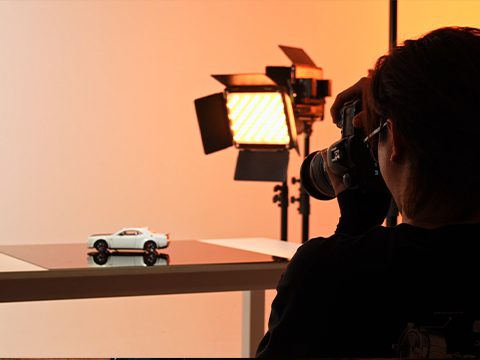
To create this guide, we compared LED panel lights based on real-world creator workflows rather than manufacturer marketing alone.
- Brightness output at approximately 1 meter
- Color accuracy (CRI / TLCI performance)
- RGB flexibility and scene effects
- Build quality and portability
- App control reliability
- Fan noise and thermal performance
- Value for money for creators
We also evaluated how each option functions as practical filmmaking lights for creators working in home studios and on the go.
Note: Brightness figures vary depending on color temperature, beam angle, diffuser usage, and testing conditions. All values below are approximate manufacturer-rated outputs.
Best LED Lighting Panels for Different Creatorse
| Creator Type | Recommended Lighting | Por que funciona |
|---|---|---|
| Beginner YouTubers | Neewer 660 Bi-Color | Affordable, soft lighting, easy setup |
| Creative Streamers | GVM 800D RGB | RGB effects, app control, cinematic backgrounds |
| Professional Interviews | Godox LED1000 Series | Strong soft output and studio flexibility |
| Travel Creators | Lume Cube Panel Mini | Ultra-portable and battery-friendly |
| Produção de Cinema Publicitário | GVM 1300D | Higher output for larger productions |
Best LED Panels for Video Compared
| Modelo | Type | Approx. Brightness* | CRI | Typical Price | Melhor para |
|---|---|---|---|---|---|
| Neewer 660 LED | Bi-color | Approx. 3200–3300 lux @1m | 96+ | $100–$150 | Budget home studios |
| GVM 800D RGB | RGB Panel | Approx. 5000–5800 lux @1m* | 97 | $90–$180 | Creative streaming and YouTube |
| Lume Cube Panel Mini | Portable RGB | Approx. 500–800 lux @0.5m | 95+ | $99–$120 | Travel content creators |
| Godox LED1000Bi II | Bi-color | Approx. 4000–4400 lux @1m | 95+ | $250–$380 | Studio interviews |
*Brightness varies depending on testing environment, color temperature, and diffuser usage.
Neewer 660 LED — Best Budget LED Panel for Beginners
The Neewer 660 remains one of the most popular entry-level LED lighting panels for YouTube creators and beginner video setups. Its lightweight frame, adjustable color temperature, and low price make it ideal for creators building their first home studio.
Prós
- Affordable starter lighting
- Simple controls
- Portable aluminum body
- soft lighting for talking-head videos
Cons
- Limited RGB creativity
- Less premium build quality
- Output weaker than pro studio panels
GVM 800D RGB — Best RGB LED Panel for YouTube & Streaming
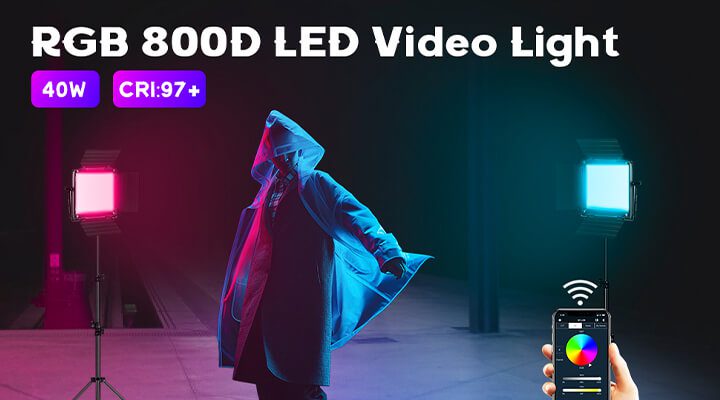
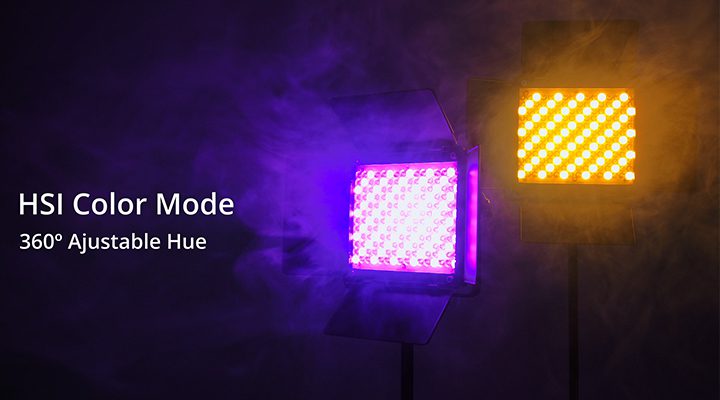
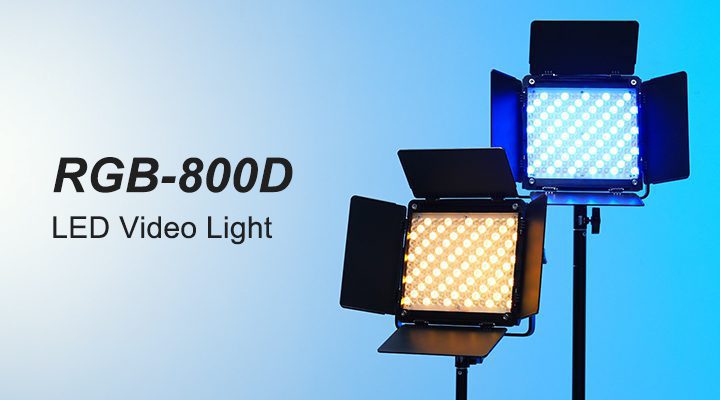
The GVM 800D RGB series has become increasingly popular among creators who want cinematic RGB lighting without building a large studio rig. The panel combines soft front lighting with customizable RGB backgrounds, making it particularly effective for livestreaming, gaming content, podcasts, and modern creator studios.
Compared with entry-level RGB lights, the 800D series delivers stronger color consistency, smoother dimming curves, and better mobile app integration.
Prós
- Excellent RGB color flexibility
- App control workflow
- Good balance of portability and output
- Strong creator-focused ecosystem
Cons
- Higher price than entry-level panels
- RGB mode output lower than white-light mode
- Not as powerful as COB fixtures
Godox LED1000Bi II — Best Studio LED Panel for Interviews
The Godox LED1000 series continues to be widely used in interview production, corporate video work, and commercial studio LED lighting environments. Its large lighting surface creates softer facial lighting with less harsh shadow contrast.
Prós
- Reliable studio-level output
- Large soft lighting surface
- Consistent skin tone rendering
Cons
- Larger and heavier
- Less travel-friendly
- Limited RGB creativity
GVM 1300D — Best High-Output LED Panel for Commercial Production
For creators working on larger commercial productions, interview sets, or filmmaking environments, the GVM 1300D provides substantially higher output than compact creator-focused RGB panels.
Its stronger illumination makes it more suitable for lighting larger scenes, interview stages, product productions, and controlled studio environments.
How to Choose the Right LED Light Panel for Videography
• Choose bi-color panels for interviews and podcasts
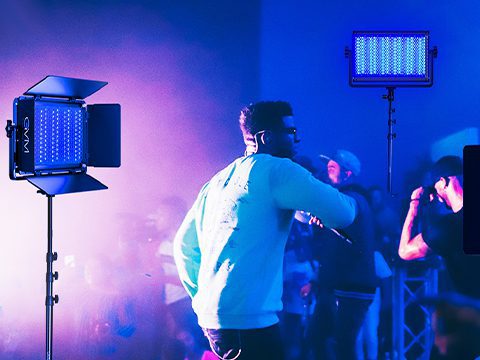
• Choose RGB panels for livestreaming and cinematic content
• Prioritize CRI/TLCI above 95 for professional skin tones
• Portable battery systems matter for travel creators
• Larger panels usually create softer facial lighting
Brightness Matters More Than Wattage
Many beginners focus only on wattage, but lux output is often a more useful comparison for video lighting. Larger studios and daylight-balanced environments require stronger output.
| Production Type | Recommended Brightness |
|---|---|
| YouTube videos | 1000–3000 lux |
| Interviews & podcasts | 3000–8000 lux |
| Commercial productions | 10000+ lux |
RGB vs Bi-Color LED Panels
Bi-color LED panels are typically easier for beginners because they focus on natural white light control. RGB panels are more flexible creatively, especially for gaming setups, livestreaming backgrounds, cyberpunk aesthetics, and cinematic music videos.
CRI and TLCI Accuracy
For professional-looking skin tones, look for LED panels rated at CRI 95+ and TLCI 95+. Lower-quality lighting can produce green or magenta color shifts that are difficult to correct in post-production.
Choosing the right video light is not only about brightness or price — the type of light you use also changes the overall look and mood of your footage. This is why many creators compare LED panels and COB lights before building a professional lighting setup.
LED Panel vs COB Light for Video — Which Is Better?
| Recurso | Painel de LED | Luz COB |
|---|---|---|
| Lighting Style | Soft and wide | Focused and directional |
| Melhor para | YouTube, interviews, podcasts | Filmmaking and dramatic lighting |
| Ease of Use | Beginner-friendly | Requires modifiers |
| Portabilidade | Excelente | Moderate |
For most YouTube creators and streamers, LED panels are the easier and more beginner-friendly option, while COB lights are better suited for cinematic filmmaking and controlled studio productions.
Best Lighting Setup for YouTube, Streaming, Filmmaking
Most professional YouTube creators use a simple three-point YouTube lighting setup:
- Luz principal — Main source of illumination
- Luz de Preenchimento — Softens shadows
- Back Light — Separates the subject from the background
Adding RGB background lighting can dramatically improve production value by creating depth and cinematic contrast.
Place your key light slightly above eye level at roughly a 45-degree angle. This creates softer facial shadows and more natural skin tones.
Common Mistakes When Using LED Lighting Panels for Video
Using Lights That Are Too Bright
Overexposed lighting can flatten skin texture and remove cinematic contrast.
Mixing Color Temperatures
Combining daylight-balanced and tungsten-balanced lighting often creates unnatural skin tones.
Ignoring Background Separation
Even simple RGB accent lighting can dramatically improve visual depth.
Perguntas frequentes
What is the best LED lighting panel for video creators?
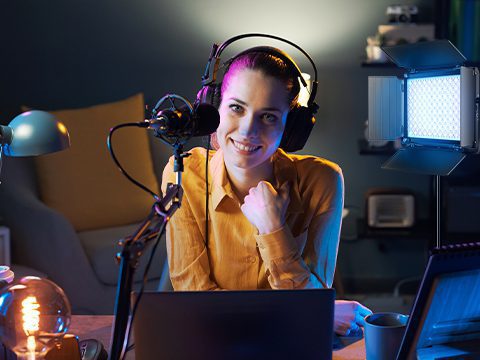
For most creators, soft bi-color panels provide the easiest and most flattering lighting setup. RGB panels become more useful when cinematic backgrounds or creative color effects are needed.
What CRI rating should video lights have?
Profissional Iluminação de vídeo should ideally have CRI and TLCI ratings above 95 for accurate skin tone reproduction.
Are RGB LED lights worth it for creators?
RGB lighting is particularly useful for livestreaming, gaming setups, cinematic productions, and social media content where background atmosphere matters.
Veredito Final
The best LED lighting panel ultimately depends on your workflow, studio size, content style, and creative goals.
- For beginners: Bi-color LED panels remain the easiest starting point.
- For YouTube creators: RGB panels offer stronger visual identity and production value.
- For professional filmmaking: Higher-output studio lighting delivers greater scene control.
- For travel creators: Compact battery-powered lighting is essential.
Regardless of camera choice, professional lighting remains one of the fastest ways to improve video quality and elevate production value.
Q&A
Question: How much brightness do I need, and should I compare wattage or lux? Short answer: Compare lights by lux (illuminance), not wattage. For guidance: YouTube videos typically need about 1000–3000 lux, interviews and podcasts 3000–8000 lux, and commercial productions 10,000+ lux. Remember that brightness varies with color temperature, beam angle, and diffusion, so manufacturer-rated figures are approximate.
Question: Should I get an RGB panel or a bi-color panel?
Short answer: Choose bi-color if you mainly want flattering, natural white light
for
interviews, podcasts, and talking-head videos. Choose RGB if you value creative
looks—livestreaming, gaming backgrounds, and cinematic color effects. Note that many
panels (like the GVM 800D) deliver lower output in RGB mode than in white-light mode,
and RGB panels typically cost more than entry-level bi-color options.
Question: When is an LED panel better than a COB light?
Short answer: For most creators, LED panels are the easier, more forgiving
choice,
offering broad, soft light that’s simple to set up. COB fixtures excel when you need
higher, more directional output and tighter control, but they’re not as immediately soft
and often require modifiers. If you don’t need punchy, focused beams, panels are usually
the better starting point.
Question: What specs and features matter most in 2026 LED panels?
Short answer: Prioritize CRI/TLCI of 95+ for accurate skin tones, reliable app
control,
quiet/silent cooling, portable battery support, and solid build quality. If you want
creative looks, RGB with effects is valuable; for the softest faces, larger panel
surfaces help. The guide also evaluated fan noise, thermal performance, and app
reliability—key for studio workflows.
Question: What’s a simple lighting setup for YouTube, and how should I place the
lights?
Short answer: Use a three-point setup: key (main light), fill (to soften
shadows), and
back light (for separation). Place the key slightly above eye level at about a 45-degree
angle for natural shadows, add subtle fill, and use a back light or RGB accents to
create depth. Avoid overexposing faces, don’t mix color temperatures, and aim for
roughly 1000–3000 lux for typical YouTube scenes.