Videography lighting is the defining variable between footage that looks professional and footage that looks amateur — regardless of the camera used to capture it. A $500 camera with excellent lighting will outperform a $5,000 camera in poor lighting every single time. Whether you are building your first YouTube studio, shooting corporate interviews, producing short films, or creating commercial product content, understanding how to control, shape, and quality-control your light is the most valuable technical skill in your entire production toolkit. This complete videography lighting guide covers everything from foundational principles to advanced techniques and the best gear available in 2026.
Part 1: Your Essential Videography Lighting Guide: The Fundamentals
Why This Videography Lighting Guide Starts with Light Quality
Most beginner videographers focus on light quantity — how bright is it? Experienced cinematographers focus on light quality — what is its character, direction, and how does it interact with the subject?
Light quality is determined by the size of the source relative to the subject. A large light source close to the subject produces soft, wrapping light with gradual shadow transitions — flattering for faces, forgiving on skin texture, and visually approachable. A small light source far from the subject produces hard, specular light with sharp shadow edges — dramatic, high-contrast, and directional.
This single principle — source size relative to subject — explains why a window produces beautiful soft light, why a bare LED bulb produces harsh unflattering light, and why professional videographers use softboxes, diffusion panels, and bounce surfaces to modify their fixtures. The fixture provides the power; the modifier determines the quality. Understanding quality before quantity is the foundation every serious videography lighting guide must establish.
Understanding Color Temperature: A Foundational Lighting Guide
Color temperature is measured in Kelvin and describes the warmth or coolness of a light source. Warm light (2700K–3200K) is the orange-yellow tone of candles, tungsten bulbs, and sunsets. Neutral daylight (5000K–5600K) is the clean white of midday sun and standard studio lighting. Cool light (6000K–6800K) is the blue-white of overcast sky and some LED fixtures.
The critical rule for videography: all light sources in a shot must match colour temperature. When a warm room lamp mixes with cool window light and a neutral LED panel in the same frame, the camera cannot white-balance correctly for any of them. The result is mixed colour casts across the image that cannot be fully corrected in post-production.
The solution is either to match all sources to the same Kelvin value — using bi-color LED fixtures that adjust from 2700K to 6800K — or to eliminate competing ambient sources by closing blinds and switching off room lighting. Bi-color control is the single most practically useful feature in any videography lighting fixture for exactly this reason.
Part 2: The Ultimate Videography Lighting Gear Guide: Choosing Your Tools
LED Panels vs. COB Lights: A Buyer’s Videography Lighting Guide
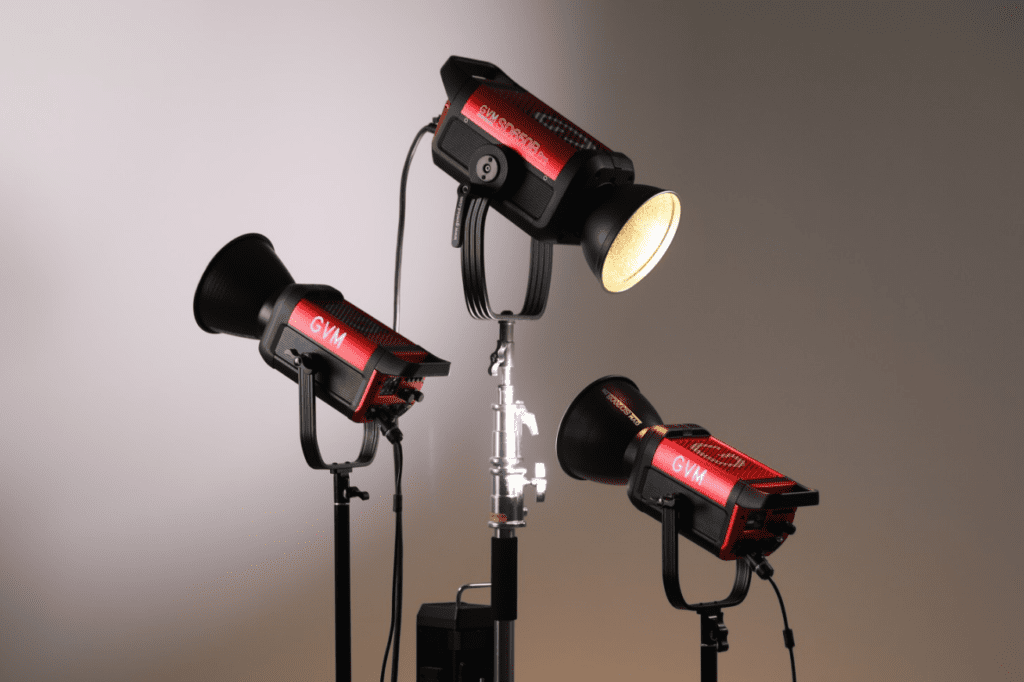
The two dominant light source technologies in modern videography lighting are LED panels and COB (Chip on Board) spotlights, and they serve meaningfully different purposes.
LED panels distribute light across a broad surface area, producing a naturally soft, even output without requiring diffusion modifiers. They are well suited for interview setups, YouTube studios, and any application where soft, shadowless illumination is the goal. Panel lights are typically lighter, less expensive at equivalent wattage, and simpler to set up than COB alternatives.
COB lights concentrate a high-powered LED chip into a small point source, producing intense, hard light similar to a theatrical spotlight or HMI fixture. COBs accept Bowens-mount modifiers — softboxes, beauty dishes, grids, Fresnel lenses, and parabolic reflectors — that transform the raw point source into precisely shaped light of any quality. At equivalent wattage, COB lights produce significantly higher lux output than panels, making them the professional choice for large sets, outdoor location work, and any production where raw power matters.
For most videographers, the ideal kit combines both: a COB spotlight as the primary key light with modifier flexibility, and LED panels for fill and background positions.
Your Guide to Videography Lighting Modifiers: Softboxes, Grids & More
Modifiers are what separate professional videography lighting from functional illumination. The most important options to understand are softboxes, grids, beauty dishes, and reflectors.
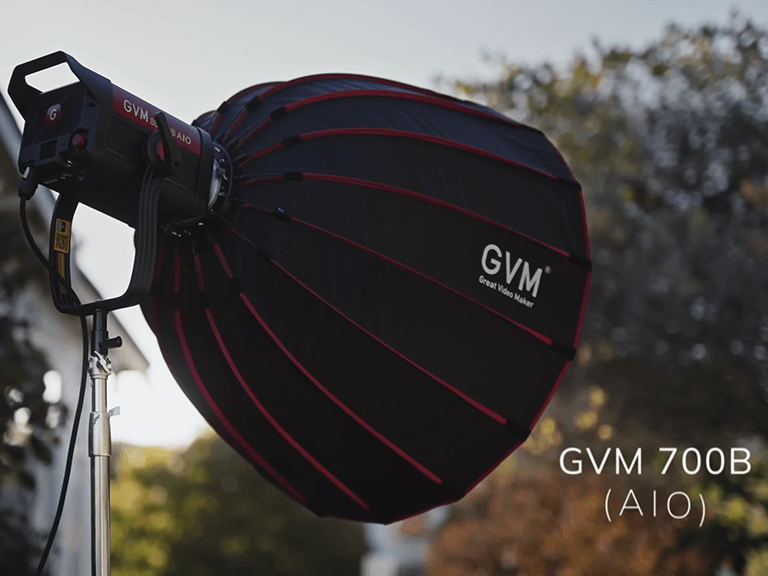
Softboxes enclose the light source within a reflective interior and diffuse output through a front diffusion panel, producing large, soft, directional light. A 90cm softbox on a COB key light is the workhorse modifier for interviews, portraits, and talking-head video. Grids attach to the front of a softbox and reduce light spill, keeping illumination focused on the subject without contaminating the background. Beauty dishes produce a distinctive mid-quality light — harder than a softbox, softer than a bare bulb — with a characteristic specular quality that works well for beauty and fashion content. Standard reflectors concentrate and project a COB’s output across distance, ideal for large sets or outdoor production where the light needs to reach further.
Part 3: Step-by-Step Videography Lighting Setup Guide
The 3-Point Lighting Setup: A Step-by-Step Guide
Three-point lighting is the universal foundation of professional videography lighting. Here is the setup process in five steps.
Step 1 — Key light placement. Position your primary light at 45 degrees to one side of the subject, slightly above eye level. This is your brightest source and establishes the primary shadow direction. Attach a softbox for flattering, commercial-style results.
Step 2 — Fill light placement. Place a lower-intensity light on the opposite side from the key. Set it to 30–60% of key light output to reduce — not eliminate — shadow. A 1:2 key-to-fill ratio works for most professional videography applications.
Step 3 — Back light placement. Position a light behind the subject aimed forward toward their hair and shoulders. This rim of light separates subject from background and adds the depth dimension that makes footage look three-dimensional.
Step 4 — Match colour temperature. Set all three sources to the same Kelvin value. With bi-color fixtures, do this via the app or onboard controls before shooting begins.
Step 5 — Control ambient light. Close blinds, switch off overhead room lighting, and ensure your three-point setup is the sole light source in the space.
Interview Lighting Setup Guide for Professional Results
For interview videography lighting specifically, the three-point foundation applies with one key modification: the back light is often replaced or supplemented with a background light — a separate source aimed at the background rather than the subject — to add visual depth and separate the subject from the wall behind them. A coloured gel on the background light adds visual interest and production value to what would otherwise be a flat, neutral backdrop. Keep background light intensity lower than the key — approximately 50% — to ensure the subject remains the visual priority in the frame.
Part 4: Advanced Techniques — A Pro Videography Lighting Guide
A Guide to Creative Videography Lighting with Color & Gels
Color gels are transparent coloured sheets placed in front of a light source to change its output colour. In professional videography lighting, gels serve two functions: corrective, to match mismatched light sources, and creative, to add colour, mood, and visual identity to a scene.
Creative gel applications that work consistently well in videography include: a warm amber or orange gel on a practical background source to suggest golden hour; a cyan or teal gel on a back light to create the complementary colour contrast against warm-toned skin that defines the contemporary cinema look; and a deep blue gel on a fill light to simulate moonlight or cool ambient environment light in interior scenes.
Built-in cinematic effects in modern LED fixtures — including TV flicker, candlelight, lightning, and fire simulation — replicate many of these creative results without physical gels, making creative colour effects accessible to solo creators without a dedicated gaffer.
Troubleshooting Common Issues: A Practical Lighting Guide
Colour cast on skin: Almost always caused by mixed colour temperatures. Check that all light sources — including room ambient and window light — are either matched or eliminated.
Flat, dimensionless look: The key light is too close to the camera axis. Move it further to the side — 45 degrees minimum — to restore shadow and dimension.
Subject merging into background: Back light is missing or too weak. Increase back light intensity or move it closer to the subject.
Visible flicker in footage: Your light source’s PWM frequency conflicts with your shutter speed or frame rate. Switch to a flicker-free fixture or adjust your shutter angle. This is a common problem with budget LED fixtures at low dimming levels.
Hot spots on the face: Key light is too hard and too close. Add diffusion, increase source-to-subject distance, or switch to a softbox modifier.
Part 5: Building Your Kit — The Application-Focused Videography Lighting Guide
YouTube Studio Videography Lighting Guide: Best Kits for 2026 — Product Spotlight: GVM SD700B AIO
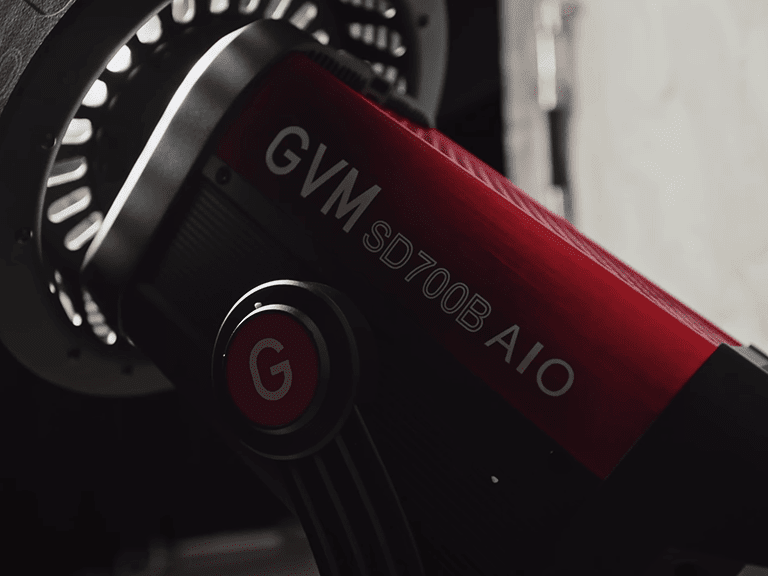
For videographers and content creators building a professional studio kit in 2026, the GVM SD700B AIO represents the current benchmark in its power class.
GVM SD700B AIO Full Specification Table
| Parameter | Specification | Videography Application |
|---|---|---|
| Power Output | 700W | Primary key light for any studio or set size |
| Illuminance | 26,200 lux @ 3m | Covers large sets and outdoor location work |
| Color Temperature | 2700K–6800K Bi-Color | Match any ambient light condition precisely |
| Color Accuracy | CRI/TLCI ≥97+ | True-to-life skin tones, no post correction needed |
| Dimming | 0.1%–100% Stepless | Precise key-to-fill ratio control |
| Cinematic Effects | 12 Built-in Presets | Lightning, TV Flicker, Candlelight, Explosion, Welding |
| Modifier Mount | Universal Bowens Mount | Softboxes, reflectors, Fresnel, beauty dish |
| Control | Bluetooth App / DMX 5-pin / CRMX Wireless | Full multi-light integration on professional sets |
| Flicker-Free | Yes | Clean footage at all frame rates and shutter speeds |
| Design | Compact All-in-One with built-in handle | Fast repositioning, no external ballast |
| Best For | Film, YouTube, Interviews, Commercial Video | Universal professional videography key light |
The SD700B AIO’s 26,200 lux at 3 metres output provides the raw power needed to serve as a dominant key light on sets of any scale — from intimate YouTube studios to full film productions. Its 0.1% to 100% stepless dimming with consistent colour temperature across the entire range means you can dial in any key-to-fill ratio without colour shift between light levels — a critical feature for maintaining colour consistency across a multi-camera interview setup.
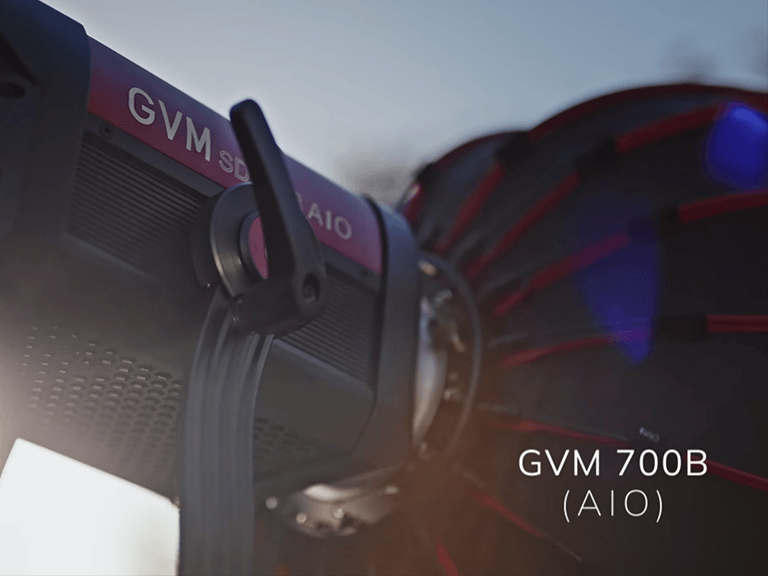
The universal Bowens mount accepts the full range of professional modifiers — softboxes, parabolic reflectors, Fresnel lenses, grids, and beauty dishes — giving the SD700B AIO the modifier flexibility of a professional COB system in an all-in-one portable design. The built-in handle allows rapid repositioning without disassembly, an underrated practical advantage on fast-moving production days. CRMX and 5-pin DMX support integrates the SD700B AIO into professional wired and wireless lighting control systems for broadcast and film sets requiring coordinated multi-light management.
Product Videography Lighting Guide: From Amazon to Cinematic
Product videography has distinct lighting demands from portrait or interview work. Subjects are typically small, static, and require even, controlled illumination that reveals surface texture, material quality, and colour accuracy without reflections or hot spots.
For product video, the SD700B AIO paired with a large softbox modifier produces the even, wrapping key light that defines commercial product content. A second, lower-intensity source from below or the opposite side eliminates under-product shadows. A third background light — often gelled — adds visual interest to what would otherwise be a flat backdrop. The SD700B AIO’s CRI 97+ ensures product colours are reproduced with the accuracy that commercial clients and e-commerce platforms demand.

Part 6: Quick-Reference FAQ — Your Rapid Videography Lighting Guide
How Many Lights Do I Need? A Quick-Start Guide
One light: Usable for close-up talking-head content when paired with a reflector card as fill. Limited depth and dimensionality.
Two lights: Key and fill gives you a complete, professional-looking result for interviews, YouTube, and live streaming. Add a reflector for back light separation.
Three lights: The complete three-point setup. The professional standard for any content where production value matters — corporate video, YouTube monetisation, short film, commercial work.
Four or more lights: Add background lighting, practical sources, and coloured accent lights for cinematic production quality. The SD700B AIO’s Bluetooth Mesh and DMX integration supports coordinated multi-light setups of any scale.
Natural Light vs. Artificial Light: A Hybrid Guide
Natural light is free, beautiful, and completely uncontrollable. Artificial videography lighting is consistent, repeatable, and fully manageable. The professional approach combines both.
Use natural window light as your fill — it is large, soft, and flattering. Position your subject facing the window and use an artificial key light from the side to add direction and dimensionality that flat window light alone cannot provide. Set your artificial key light to match the colour temperature of the window light — typically 5000K–5600K during daylight hours. This hybrid approach gives you the organic quality of natural light with the consistency and control of artificial sources.
As ambient light changes through the day, rely progressively more on your artificial key and less on the window. By late afternoon, close the blinds entirely and run your setup on artificial light alone for consistent, repeatable results across every shoot.
Final Thoughts
Videography lighting mastery is a continuous process — but the fundamentals covered in this guide provide everything you need to produce professional results immediately. Understand light quality before you worry about quantity. Control colour temperature before you worry about output power. Build your three-point setup before you add complexity. Invest in one excellent key light — like the GVM SD700B AIO — and learn to use it with a range of modifiers before expanding your kit. The creators whose work looks most professional are rarely the ones with the most lights — they are the ones who understand light most deeply.