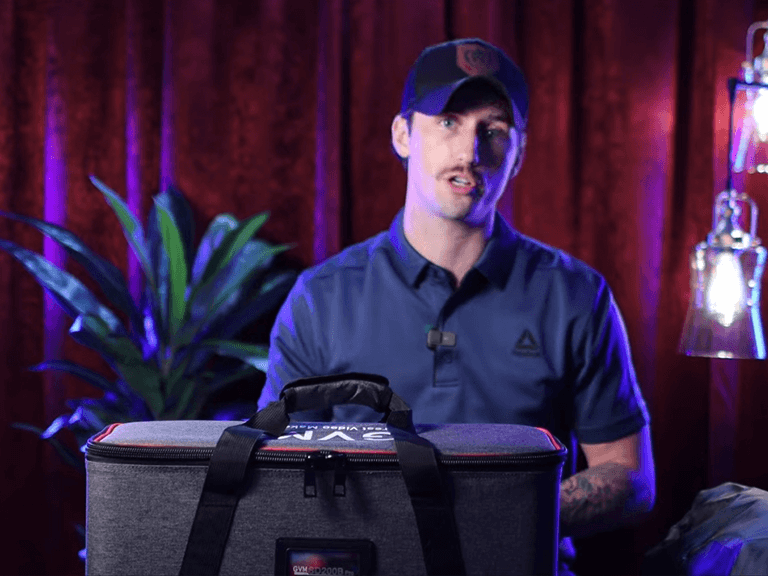
If you scroll through the comment sections of YouTube photography channels—especially among beginners who just want to film high-quality videos—there is one question that appears far more frequently than ‘What camera do you use?
It is: “Elias, how do you get that cinematic look?”
I live in a converted Brooklyn loft, which definitely helps with the industrial aesthetic, but the secret isn’t the location. It’s not my color grading LUTS, either. It’s the lighting.
As a tech reviewer and content creator, I have tested countless setups. But when people ask me for a recommendation—specifically for those wanting to upgrade from a cheap ring light to a professional studio look—my answer for the best lights for YouTube videos is now consistent: The GVM Pro SD200B.
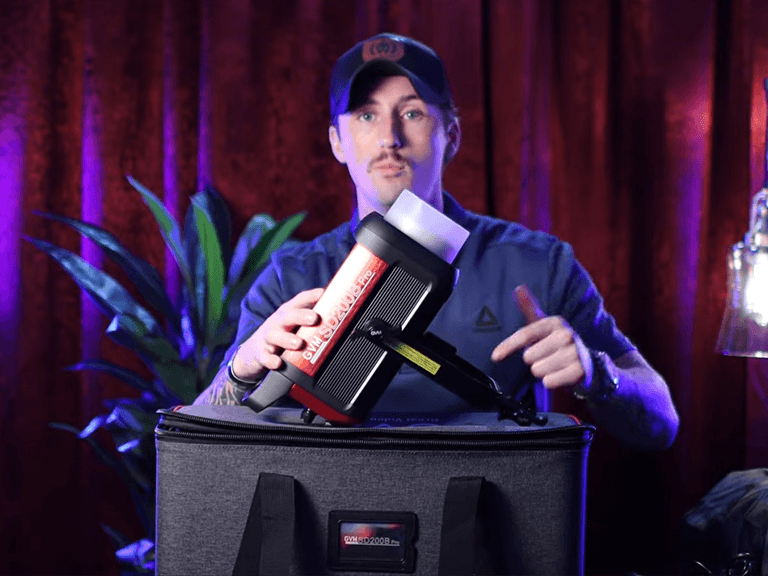
Today, I want to break down exactly how I use this powerhouse light, paired with three specific modifiers, to create three completely different vibes for my content.
The Core: Why the GVM Pro SD200B?
Before we talk about shaping the light, we need to talk about the source. To be considered one of the best lights for YouTube videos, a fixture needs three things: Color Accuracy, Power, and Control.
- True-to-Life Color (CRI 97+): When I’m reviewing tech products or showing off fabric textures, I can’t afford bad color science. The GVM Pro SD200B boasts a CRI of 97+. This ensures skin tones look healthy straight out of the camera, saving me hours of color correction in post.
- 200W of Punch: Many starter lights cap out at 60W. The SD200B gives me 200W. This “headroom” is crucial. It means I can use thick, double-diffusion softboxes (which “eat” a lot of light) and still get a bright, clean image without cranking the ISO.
- The Bowens Mount Versatility: This is key. The standard Bowens mount lets me swap modifiers in seconds, effectively turning one light into three different tools.
| Output Power | 200W High Power |
| Color Accuracy | CRI 97+ | TLCI 97+ |
| Color Temperature | Bi-Color (2700K – 6500K) |
| Control Method | Bluetooth Mesh App & On-board |
| Mount Type | Standard Bowens Mount |
| Build Material | Aluminum Alloy |
| Cooling System | Ultra-Silent Fan (Video Optimized) |
| Ideal For | YouTube, Studio, Interviews, Livestreaming |
My “Trifecta” Setup: One Light, Three Looks
The magic happens when you pair the GVM Pro SD200B with the right modifier. Here is my exact workflow:
1. The “Cinematic Key” Look: 90CM Deep Parabolic Softbox
(Best for: Tech Reviews, Talking Heads, Interviews)
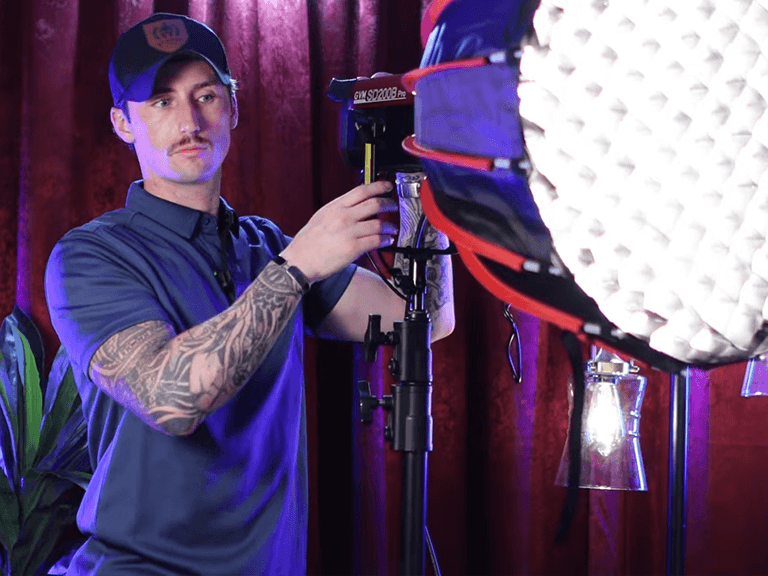
This is my go-to setup for 90% of my main videos. I pair the SD200B with the GVM 90CM Deep Parabolic Softbox.
Why it works:
Unlike a standard flat softbox, the “Deep” parabolic shape directs the light forward in a focused beam while keeping it soft. It creates a beautiful, rapid fall-off from light to shadow across my face. That contrast is exactly what gives you that “high-end YouTuber” look—it separates me from the background and adds depth.
Pro Tip: I almost always use the Grid (Honeycomb) on this box to stop light from spilling onto my back wall, keeping the background moody.
2. The “Soft & Even” Look: Octagonal Softbox
(Best for: Livestreams, Vlogs, Beauty/Fashion)
On days when I want a friendlier, brighter, and more inviting vibe, I switch to the standard Octagonal Softbox.
Why it works:
Compared to the deep parabolic, this modifier provides a wider spread of light. It wraps around the face gently, filling in shadows and hiding blemishes. If you are in the beauty or lifestyle niche and looking for the best lights for YouTube videos, the SD200B paired with an Octagon is the gold standard. It mimics natural window light perfectly.
3. The “Hard & Punchy” Look: Standard Reflector
(Best for: Backgrounds, Silhouettes, Rim Lights)
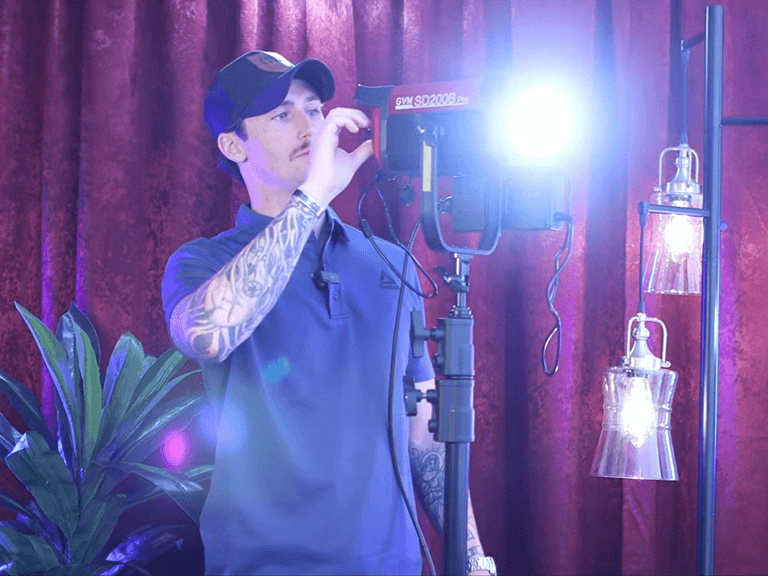
Sometimes, the SD200B isn’t my main light. I’ll attach the included Standard Reflector (Standard Dish) and place it behind me or bounce it off the ceiling.
Why it works:
The reflector intensifies the light output. I often point it at the ceiling to raise the ambient brightness of the whole room, or use it as a “Rim Light” (hair light) to carve my shoulders out against a dark background. The raw power of the SD200B really shines here.
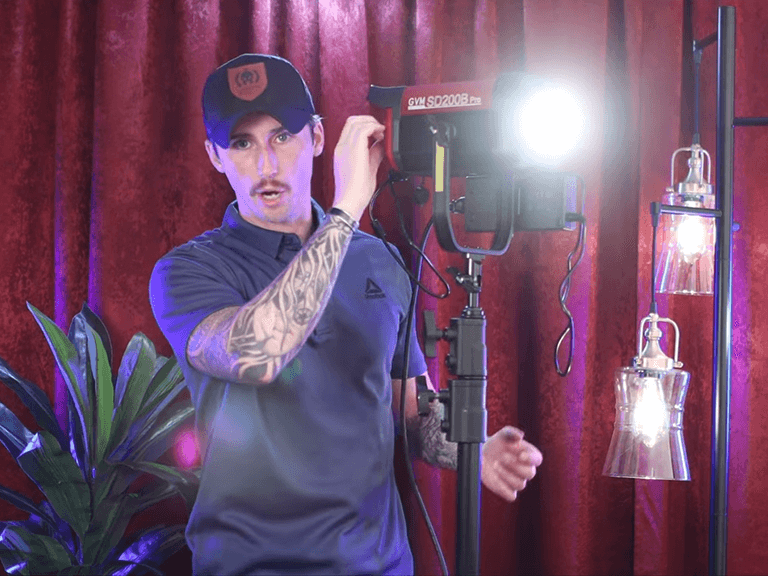
Smart Workflow for the Solo Creator
Finally, what makes this the best light for YouTube videos for a solo creator like me is the GVM App.
I shoot alone. I don’t have an assistant to dim the lights. Sitting at my desk, I can just tap my phone to adjust the brightness or switch from 5600K (Daylight) to 3200K (Warm Tungsten) instantly via Bluetooth. It keeps me in the “flow state” without having to get up and disrupt the shot.
Download the GVM Control App Here >>
Final Verdict
Finding the best lights for YouTube videos isn’t just about buying the most expensive gear; it’s about versatility.
The GVM Pro SD200B, combined with the 90CM Deep Parabolic and Octagonal Softbox, gives me a complete studio in one package. It allows me to go from a moody tech review to a bright lifestyle vlog in under two minutes.
If you are ready to take your content seriously, this is the investment that pays off in every single frame.