How to Set Up YouTube Lighting for iPhone Videos

この記事をシェア

YouTube lighting is the most significant factor that distinguishes a professional-looking channel from an amateur one in 2026. While the latest iPhone models feature incredible sensors and computational photography, they are still physically limited by their small lens size. To compensate for this, providing high-quality light is essential. Without a proper YouTube lighting strategy, your iPhone videos will likely suffer from digital noise, muddy colors, and unflattering shadows.

photography lighting 29 20260429 013

In this comprehensive guide, we will explore how to transform your mobile video quality by mastering light, regardless of your budget or experience level.

Why YouTube Lighting is the Key to Professional iPhone Content

The secret to why professional creators look so good on camera isn’t always the camera itself; it is the environment. YouTube lighting serves as the foundation of visual storytelling. When you provide an iPhone with ample, high-quality light, the phone’s internal processor doesn’t have to “guess” or artificially brighten the image, which results in a much sharper and cleaner 4K output.

Furthermore, lighting dictates the mood and professional authority of your channel. Proper illumination makes your skin look clearer, your eyes look more engaged, and your background look intentional rather than cluttered. In 2026, where viewers’ attention spans are shorter than ever, having a crisp, well-lit image ensures that they stay focused on your message rather than being distracted by poor video quality.

photography lighting 29 20260429 019

The Best Lighting for YouTube Videos: What You Really Need

Before purchasing equipment, it is important to understand the different types of YouTube lighting available. Not all lights are created equal, and the “best” light depends on your content niche.

  1. Softboxes: These are the gold standard for talking-head videos. A softbox uses a translucent fabric to diffuse light, creating soft shadows that wrap around the face. This is incredibly flattering for skin tones and is the preferred choice for long-form educational or storytelling content.
  2. Ring Lights: Popularized by beauty and lifestyle creators, ring lights provide a very even, front-facing glow. They minimize shadows and create a distinct circular reflection in the eyes (catchlights). Because they are compact, they are excellent for creators with limited space.
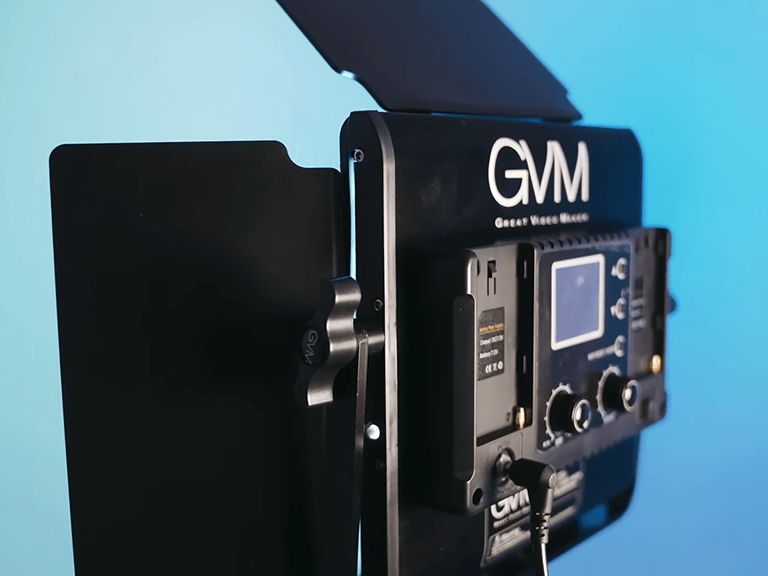
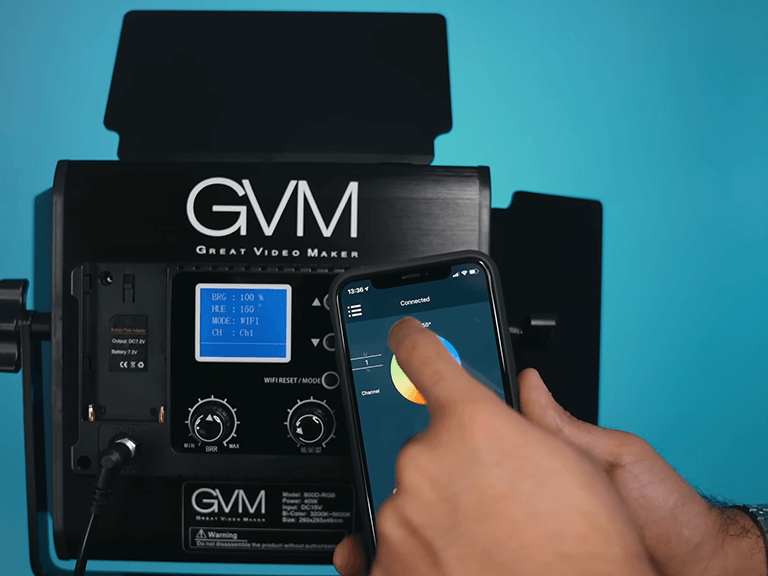
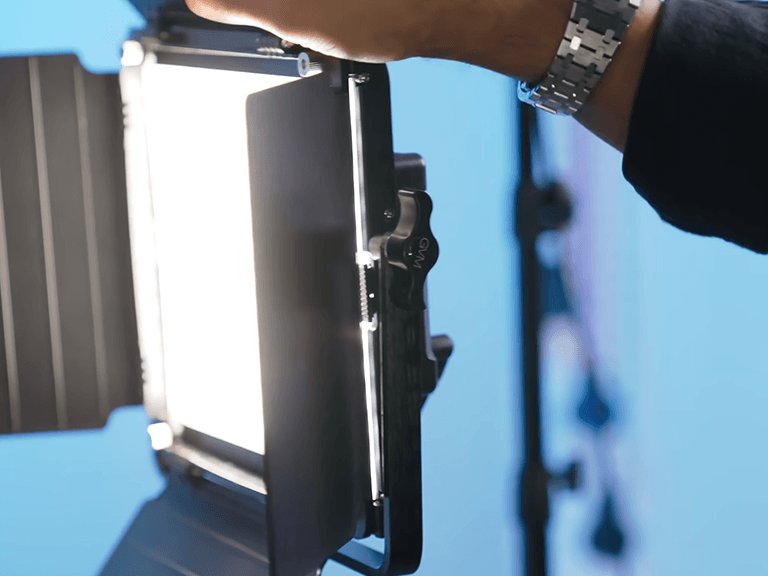
  3. LED Panels: These are versatile, portable, and often come with adjustable color temperatures. They are perfect for creators who need to film in different locations or want a more cinematic, directional look.
  4. COB (Chip on Board) Lights: These are high-powered, point-source lights that can be paired with various modifiers like domes or lanterns. They offer the most professional control and are ideal for a permanent studio setup.

Step-by-Step: How to Set Up YouTube Lighting for iPhone

Setting up your YouTube lighting for an iPhone requires a slightly different approach than a traditional DSLR. Because the iPhone automatically adjusts exposure, you need to “lock” your settings to prevent the image from flickering or changing brightness as you move.

1. The Key Light (The Primary Source)

Position your strongest light at a 45-degree angle from your face and slightly above eye level. This creates a subtle shadow on one side of your face, adding depth and dimension. If you place the light directly in front of you, the image may look “flat.”

2. The Fill Light (Softening the Shadows)

If the shadow side of your face is too dark, place a second, lower-intensity light on the opposite side. Alternatively, you can use a white reflector to bounce the light from the Key Light back onto your face. This ensures that the viewer can see both sides of your face while still maintaining a professional contour.

3. The Back Light (Creating Separation)

This is the “secret sauce” of YouTube lighting. Place a small light behind you, aimed at your hair and shoulders. This creates a thin “halo” of light that separates you from the background. Without a back light, your subject can often blend into the wall behind them, especially in small rooms.

4. iPhone Settings Optimization

Once your lights are in place, open your iPhone camera, tap on your face, and hold until you see “AE/AF LOCK.” Slide the sun icon down slightly to ensure the highlights aren’t “blown out.” This prevents the iPhone’s software from over-processing the well-lit scene.

photography lighting 29 20260429 016

Professional Results with Budget YouTube Lighting

You do not need to spend a fortune to achieve great YouTube lighting. In 2026, the market is flooded with high-quality, entry-level kits that offer professional features. When looking for a budget-friendly setup, prioritize the following technical specifications:

  • CRI (Color Rendering Index): Look for a CRI of 95 or higher. This ensures that the light accurately represents colors. Cheap lights often have a green or magenta tint that makes skin look unhealthy.
  • Bi-Color Control: This allows you to change the light from warm (yellow) to cool (blue). This is vital if you want to match the light coming from a window or an existing house bulb.
  • Diffusion: Ensure the kit comes with a softbox or a diffusion sheet. Raw LED light is often too harsh for the iPhone’s sensor to handle gracefully.

By investing in a mid-range LED panel or a large softbox kit, you can achieve 90% of the quality of a Hollywood studio at a fraction of the cost.

Cheap Lighting for YouTube Videos: DIY and Zero-Cost Tips

If you are just starting and have a $0 budget, you can still master YouTube lighting using items you already have at home.

  • The Window Method: Natural light is the best “cheap” lighting available. Position yourself so you are facing a large window. The light will be bright and soft. Avoid direct sunlight, as it creates harsh squinting and dark shadows; a cloudy day is actually a creator’s best friend.
  • The Shower Curtain Hack: If you have a bright desk lamp that is too harsh, hang a white, semi-transparent shower curtain in front of it. This acts as a massive diffuser, turning a small, cheap light into a soft, professional light source.
  • Smartphone Reflector: If one side of your face is too dark, have a friend hold a piece of white poster board just out of the camera’s frame. It will bounce the window light back into the shadows for a perfect “Fill Light” effect.
  • Background “Practical” Lights: Use your household lamps in the background of your shot. While they won’t light your face, they add “bokeh” and warmth to the background, making your YouTube lighting setup look much more expensive than it actually is.

結論

Mastering YouTube lighting for iPhone videos is about understanding the balance between highlights and shadows. Even with the world’s most expensive camera, poor lighting will result in a poor video. Conversely, with a well-placed $50 light or even a bright window, your iPhone can produce content that looks like it was shot on a professional cinema camera.

Start by focusing on your Key Light, lock your iPhone’s exposure, and gradually add background and rim lights as your channel grows. In 2026, quality is the primary currency of the creator economy—make sure your lighting is doing the work to keep your audience engaged.

ビジネスを成長させたいですか?

気軽に連絡してください。