DMX lighting control is the industry-standard system used to coordinate multiple lights precisely and simultaneously — a critical capability once a production moves beyond one or two fixtures. While app-based control has made single-light adjustments easy for solo creators, professional film sets, broadcast studios, and multi-camera productions rely on DMX to keep every light synchronized, repeatable, and precisely controllable in real time.
This guide explains what DMX lighting actually is, how it compares to app-based control, how to set up a basic DMX lighting system, and what to look for in a DMX-compatible video light for film and studio production.
What Is DMX Lighting?
DMX, short for Digital Multiplex, is a standardized communication protocol used to control lighting fixtures electronically. Instead of manually adjusting each light’s brightness, color, or effect by hand, a DMX controller sends digital signals down a cable (or wirelessly, in modern systems) to every connected fixture, allowing an operator to control an entire lighting setup from a single console or software interface.
Each DMX fixture is assigned a set of “channels,” which correspond to specific functions — one channel might control brightness, another color temperature, another a specific lighting effect. A single DMX universe can control up to 512 channels, meaning one controller can manage dozens of individual lights simultaneously, each with multiple adjustable parameters.
For video production, DMX control matters because it enables:
- Simultaneous adjustment of many lights at once, rather than adjusting each fixture individually
- Precise, repeatable settings, since exact channel values can be saved and recalled for consistency across takes or multiple shooting days
- Synchronized effects, such as multiple lights flickering, dimming, or changing color in unison
- Integration with professional lighting consoles, which are standard in film, broadcast, and theatrical production environments
DMX has been the backbone of professional lighting control for decades, and its continued use in modern LED video lights reflects how deeply embedded it is in film and studio workflows.
DMX vs. App Control for Video Lights
Both DMX and app control let you adjust a light remotely, but they’re built for different scales of production.
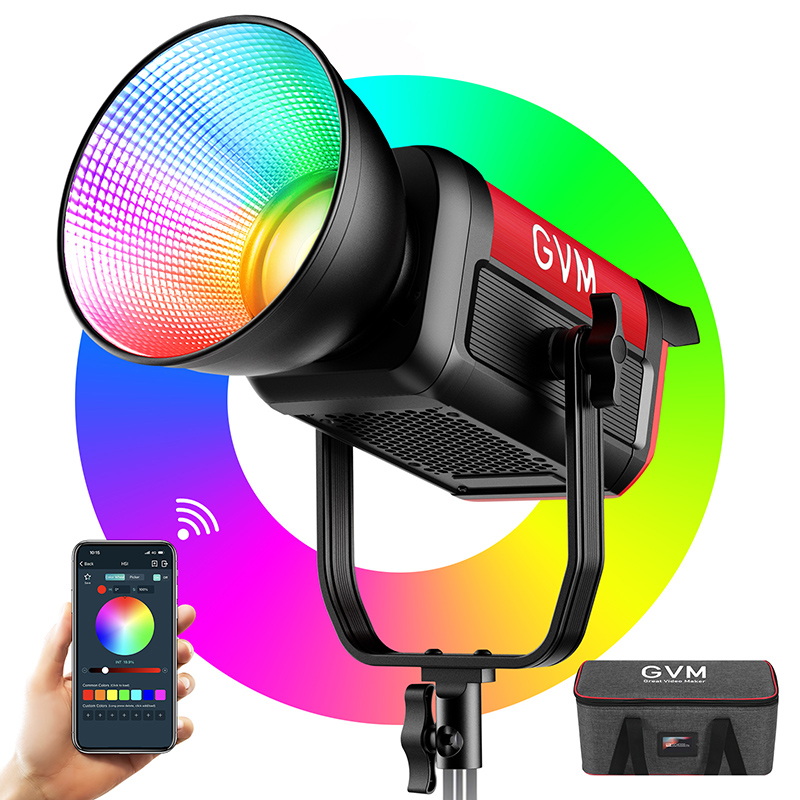
Control de aplicaciones, typically via Bluetooth, is designed for simplicity and convenience. It works well for solo creators or small setups with one to a handful of lights, allowing quick adjustments to brightness, color temperature, and effects directly from a smartphone. App control is intuitive and doesn’t require any additional hardware, making it the natural choice for YouTubers, streamers, and small studio setups.
control DMX is built for scale and precision. On a set with ten, twenty, or more fixtures, adjusting each light individually through an app becomes impractical. DMX allows a lighting operator to control every fixture from a single console, execute programmed lighting cues, and ensure exact consistency across complex, multi-light setups — something app-based Bluetooth control isn’t designed to handle at that scale.
The two aren’t mutually exclusive. Many modern video lights, including several GVM fixtures, support both DMX and app control, letting solo creators use the simplicity of an app for smaller shoots while still having DMX available once a production scales up to a full lighting rig.
How to Set Up DMX Lighting
Setting up a basic DMX lighting system involves a few core components working together.
Start with a DMX controller. This can be a dedicated lighting console, a software-based DMX control application, or in some cases a DMX interface box that connects to a computer or mobile device.
Connect your fixtures in a DMX chain. Traditional wired DMX uses 5-pin (or sometimes 3-pin) XLR-style cables, connecting from the controller to the first fixture’s DMX input, then from that fixture’s DMX output to the next fixture’s input, forming a daisy chain.
Assign a DMX address to each fixture. Every light in the chain needs a unique starting channel address so the controller knows which channels correspond to which fixture. This is typically set through the light’s onboard menu or control panel.
Terminate the DMX line. At the final fixture in the chain, a terminator (or the built-in termination on some modern lights) prevents signal reflection issues that can cause flickering or erratic behavior.
Program and test your cues. Once fixtures are addressed and connected, most controllers allow you to save specific lighting states as cues, which can be recalled instantly during a shoot — useful for scenes that require quick, repeatable lighting changes.
For productions that don’t require a dedicated lighting console, some modern LED lights also support wireless DMX or hybrid control systems, reducing cable clutter while still offering DMX-level precision.
DMX Lighting for Film and Studio Production
DMX control becomes especially valuable once a production involves multiple lights working together across a scene — which is the norm rather than the exception on most film sets and in professional studios.
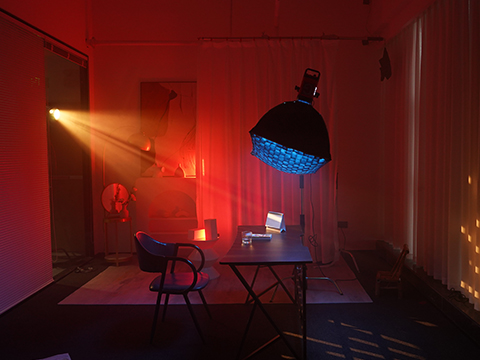
On a film set, DMX allows a gaffer or lighting technician to adjust key, fill, and background lights from a single control point, rather than physically walking to each fixture between takes. This is particularly useful for scenes requiring precise, repeatable lighting across multiple camera angles or takes, where even small inconsistencies in brightness or color temperature can create continuity issues in editing.
En un studio production environment, such as commercial shoots, product photography studios, or broadcast setups, DMX enables synchronized lighting changes — for example, dimming background lights while brightening a key light for a specific segment, all triggered from one console. Studios that regularly reconfigure their lighting for different clients or projects also benefit from DMX’s ability to save and recall specific setups, cutting down setup time between shoots.
For productions integrating lighting with other DMX-controlled elements — such as motorized camera rigs, smoke machines, or stage effects — having video lights on the same DMX network allows everything to be synchronized through a single system, rather than managing lighting and effects separately.
Best DMX-Compatible Video Light
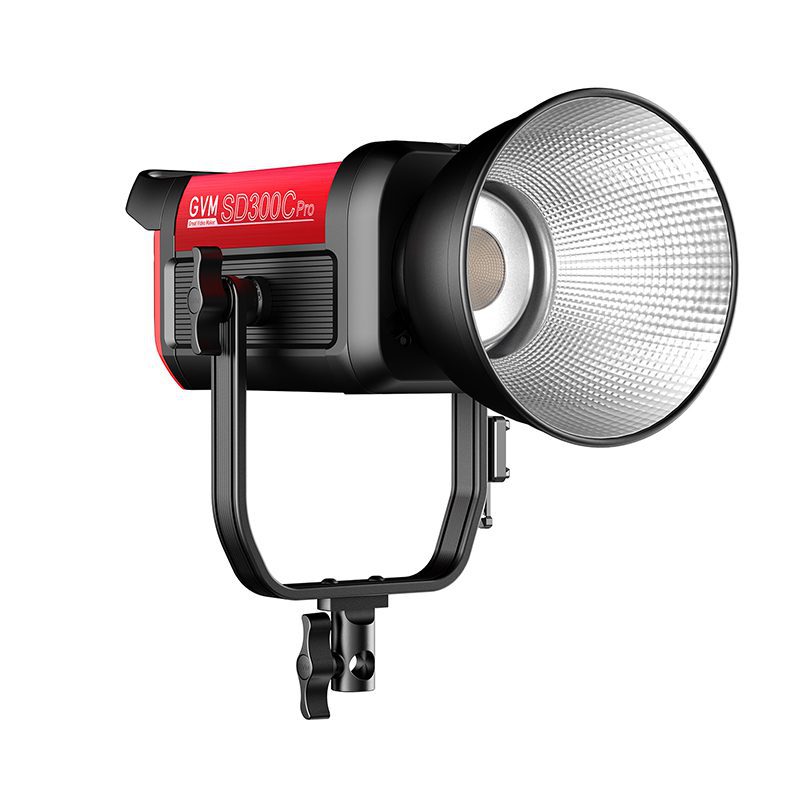
For filmmakers and studios building a DMX-capable lighting setup, choosing a light with genuine professional DMX support — not just basic app control — is essential. This is where the GVM PRO SD300C stands out as a strong choice for productions that need both DMX integration and high-end lighting performance.
The SD300C is a professional film and studio light offering a full RGB spectrum, a wide 2000K–10,000K bi-color range, and CRI/TLCI ratings of 97+, ensuring accurate color reproduction whether it’s being adjusted manually or driven through a DMX console. It supports standard DMX protocol control alongside Bluetooth Mesh networking and app control, giving productions the flexibility to scale from a single-light setup to a fully networked, multi-fixture DMX rig without switching equipment.
With 1/1000-step dimming precision and 16 built-in cinematic lighting effects, the SD300C is well suited to productions that need both fine-grained manual control and the ability to program and recall complex lighting cues through DMX — a combination that matters for film sets, commercial studios, and broadcast environments alike.
| Característica | Specification / Benefit |
|---|---|
| Modelo | GVM PRO SD300C |
| Flujo Luminoso | 48,200 lux @ 1m with standard reflector |
| Temperatura de color | 2000K–10,000K bi-color |
| CRI/TLCI | 97+ for professional-grade color accuracy |
| Color Mode | Full RGB spectrum with independent hue/saturation control |
| Disminución | 1/1000-step, flicker-free |
| Control | DMX, Bluetooth Mesh, and smart app control |
| Built-in Effects | 16 cinematic lighting effects, 12 light source presets |
| Mejor para | Film production, professional studios, broadcast, multi-light DMX rigs |
Conclusión
DMX lighting control remains the standard for productions that need precise, synchronized control across multiple fixtures — a capability app-based control simply isn’t built to handle at scale. While app control is ideal for solo creators managing one or two lights, DMX becomes essential once a production grows to include a full lighting rig, a dedicated lighting technician, or the need for repeatable, cue-based lighting across multiple takes. A light like the GVM PRO SD300C, which supports both DMX and app control alongside professional-grade color accuracy, gives productions the flexibility to scale their lighting system without replacing core equipment as their needs grow.
Ready to build a DMX-capable lighting setup? Explore the GVM PRO SD300C to bring professional lighting control to your next film or studio production.